N44xx Centroliner Pack (Sobol)
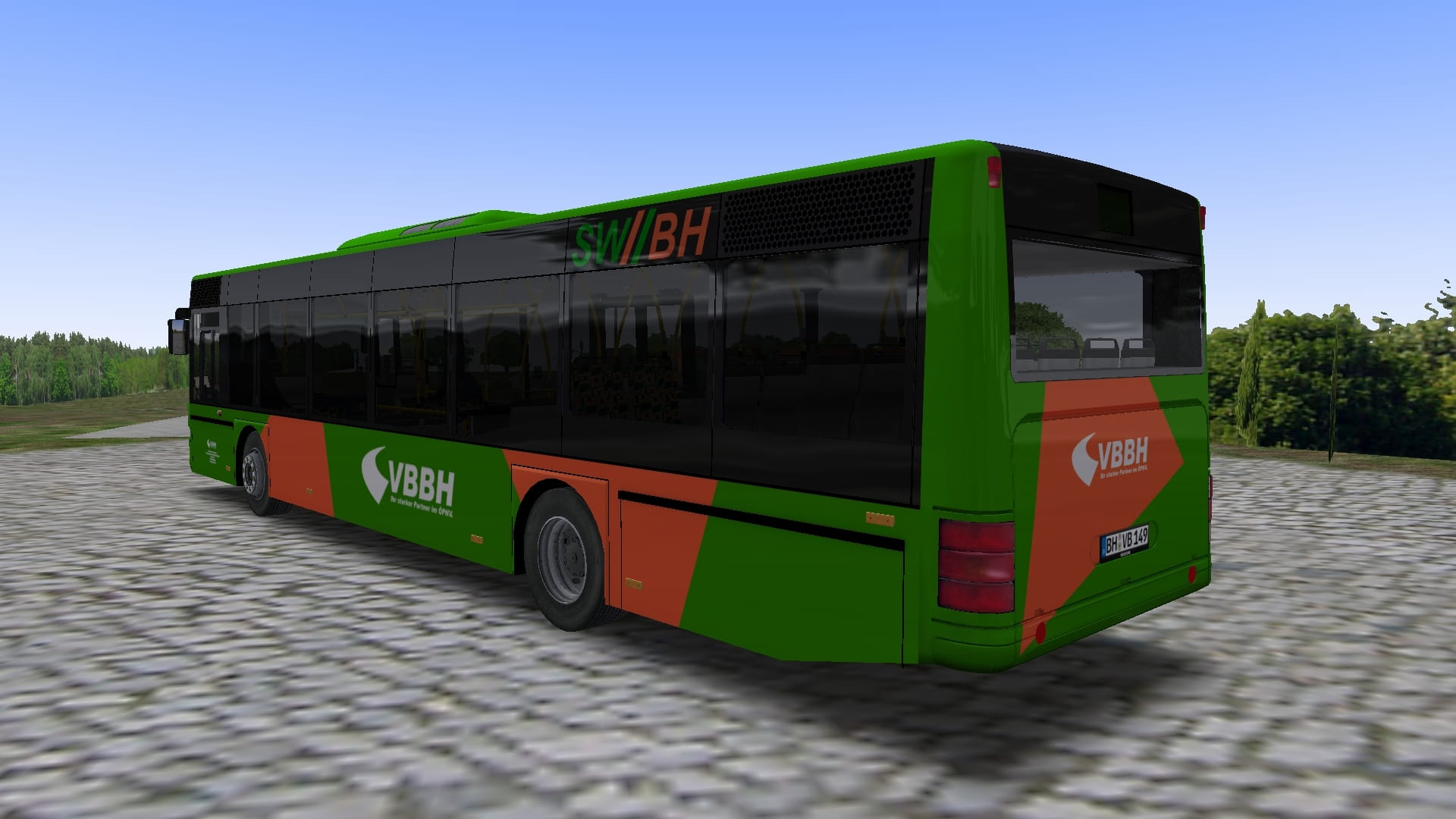
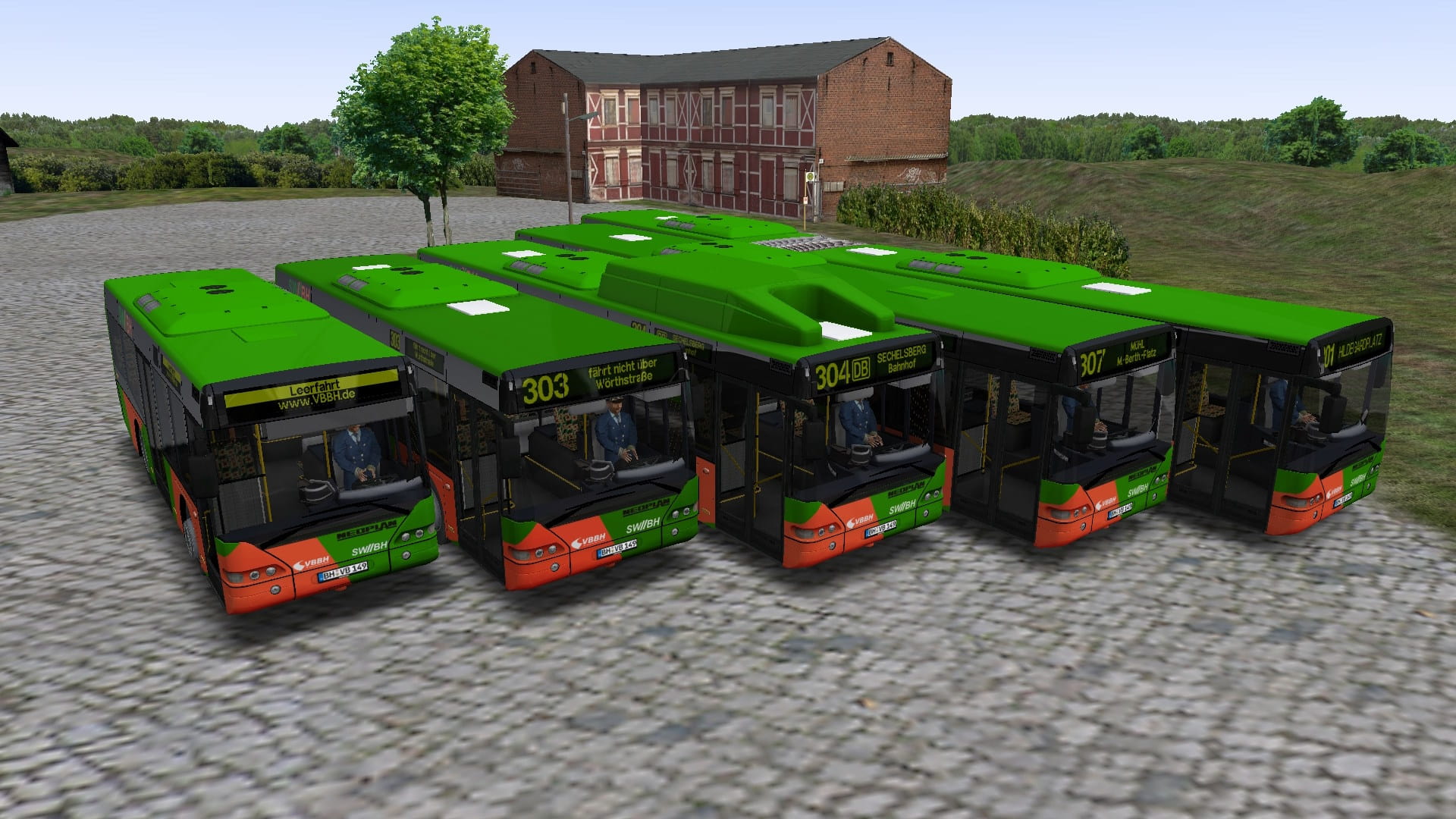
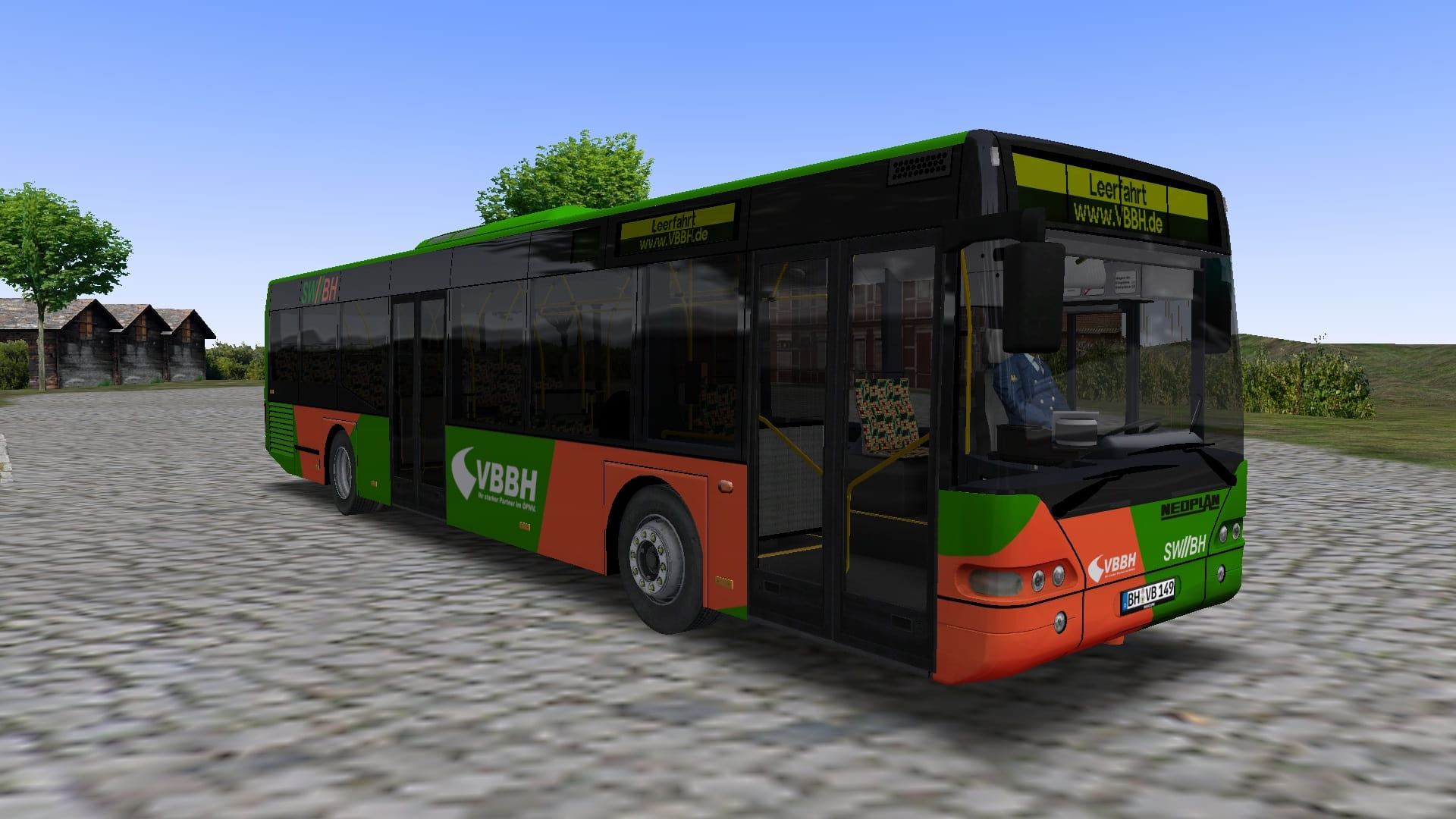
VBBH Bad Hügelsdorf-Repaint für Neoplan Centroliner
[DE] Repaint der Verkehrsbetriebe Bad Hügelsdorf für Neoplan N4407, N4411, N4416, N4420 und N4421 in allen Ausführungen [EN] Repaint of Verkehsbetriebe Bad Hügelsdorf for Neoplan N4407, N4411, N4416, N4420 and N4421 in all variations
230 Downloads
1 Versionen
<p><strong>Bus:</strong> <a href="https://reboot.omsi-webdisk.de/file/8052-neoplan-n44xx-centroliner-pack-unfinished-state/">Neoplan N44xx 'Centroliner' Pack - Unfinished state!</a>
<a href="https://reboot.omsi-webdisk.de/file/2752-mercedes-benz-o303-15-khp-l/">
</a></p><p><strong></strong></p><p><strong>Map: </strong><a href="https://store.steampowered.com/app/1288340/OMSI_2_Addon_Bad_Hgelsdorf_2020/">Link (Steam)</a></p><p><a href="https://reboot.omsi-webdisk.de/file/8512-haren-semi-real/"></a></p><p><br></p><p><strong>Installation: </strong></p><p><img src="https://reboot.omsi-webdisk.de/net/icon/flag/de.svg" alt="de.svg"></p><p>Die Zip-Datei einfach im <a href="https://reboot.omsi-webdisk.de/wiki/entry/60-omsi-hauptverzeichnis/?synonym=538">OMSI-Hauptverzeichnis</a> entpacken<strong>.</strong></p><p>Damit die Repaints für den N4421 4-Türer und N4421TD 4-Türer funktionieren:</p><p>1. Öffne die N4421_A_4D.cfg und N4421TD_A_4D.cfg im Model-Ordner.</p><p>2. Ändere jeweils die Zeile "<a href="https://reboot.omsi-webdisk.de/wiki/entry/32-texture/">Texture</a>/rep/N4421_3D" ab in "<a href="https://reboot.omsi-webdisk.de/wiki/entry/32-texture/">Texture</a>/rep/N4421_4D".</p><p><br></p><p><img src="https://reboot.omsi-webdisk.de/net/icon/flag/gb.svg" alt="gb.svg"></p><p>Simply unzip the zip-file into the OMSI main directory.</p><p>For the N4421 4-door and N4421TD 4-door repaints to work:</p><p>1. Open the N4421_A_4D.cfg and N4421TD_A_4D.cfg in the model folder.</p><p>2. Change the line "Texture/rep/N4421_3D" to "Texture/rep/N4421_4D".</p><p><br></p><p>Viel Spaß! Have fun!</p>
<a href="https://reboot.omsi-webdisk.de/file/2752-mercedes-benz-o303-15-khp-l/">
</a></p><p><strong></strong></p><p><strong>Map: </strong><a href="https://store.steampowered.com/app/1288340/OMSI_2_Addon_Bad_Hgelsdorf_2020/">Link (Steam)</a></p><p><a href="https://reboot.omsi-webdisk.de/file/8512-haren-semi-real/"></a></p><p><br></p><p><strong>Installation: </strong></p><p><img src="https://reboot.omsi-webdisk.de/net/icon/flag/de.svg" alt="de.svg"></p><p>Die Zip-Datei einfach im <a href="https://reboot.omsi-webdisk.de/wiki/entry/60-omsi-hauptverzeichnis/?synonym=538">OMSI-Hauptverzeichnis</a> entpacken<strong>.</strong></p><p>Damit die Repaints für den N4421 4-Türer und N4421TD 4-Türer funktionieren:</p><p>1. Öffne die N4421_A_4D.cfg und N4421TD_A_4D.cfg im Model-Ordner.</p><p>2. Ändere jeweils die Zeile "<a href="https://reboot.omsi-webdisk.de/wiki/entry/32-texture/">Texture</a>/rep/N4421_3D" ab in "<a href="https://reboot.omsi-webdisk.de/wiki/entry/32-texture/">Texture</a>/rep/N4421_4D".</p><p><br></p><p><img src="https://reboot.omsi-webdisk.de/net/icon/flag/gb.svg" alt="gb.svg"></p><p>Simply unzip the zip-file into the OMSI main directory.</p><p>For the N4421 4-door and N4421TD 4-door repaints to work:</p><p>1. Open the N4421_A_4D.cfg and N4421TD_A_4D.cfg in the model folder.</p><p>2. Change the line "Texture/rep/N4421_3D" to "Texture/rep/N4421_4D".</p><p><br></p><p>Viel Spaß! Have fun!</p>
Bilder