Masterbus
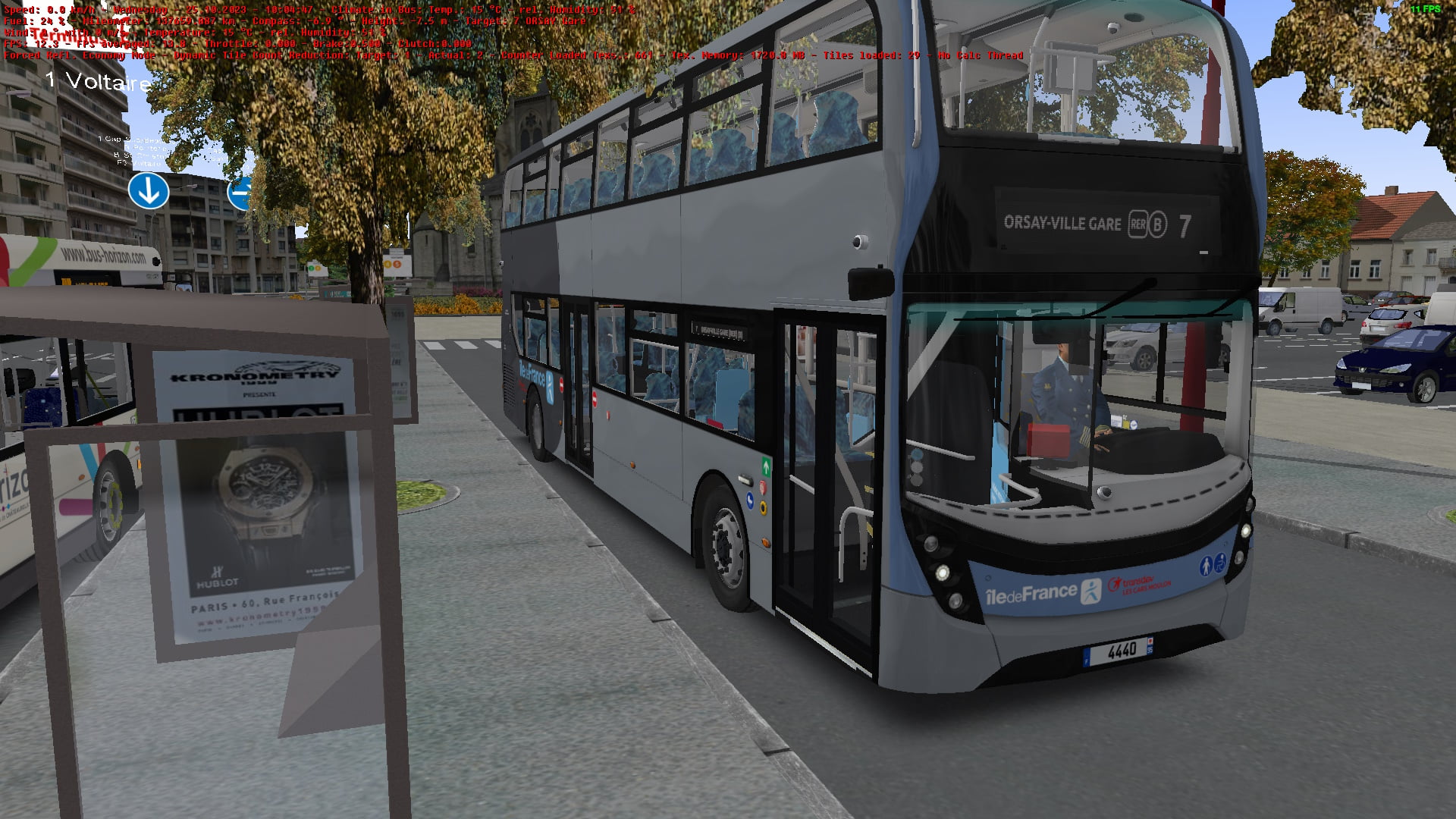
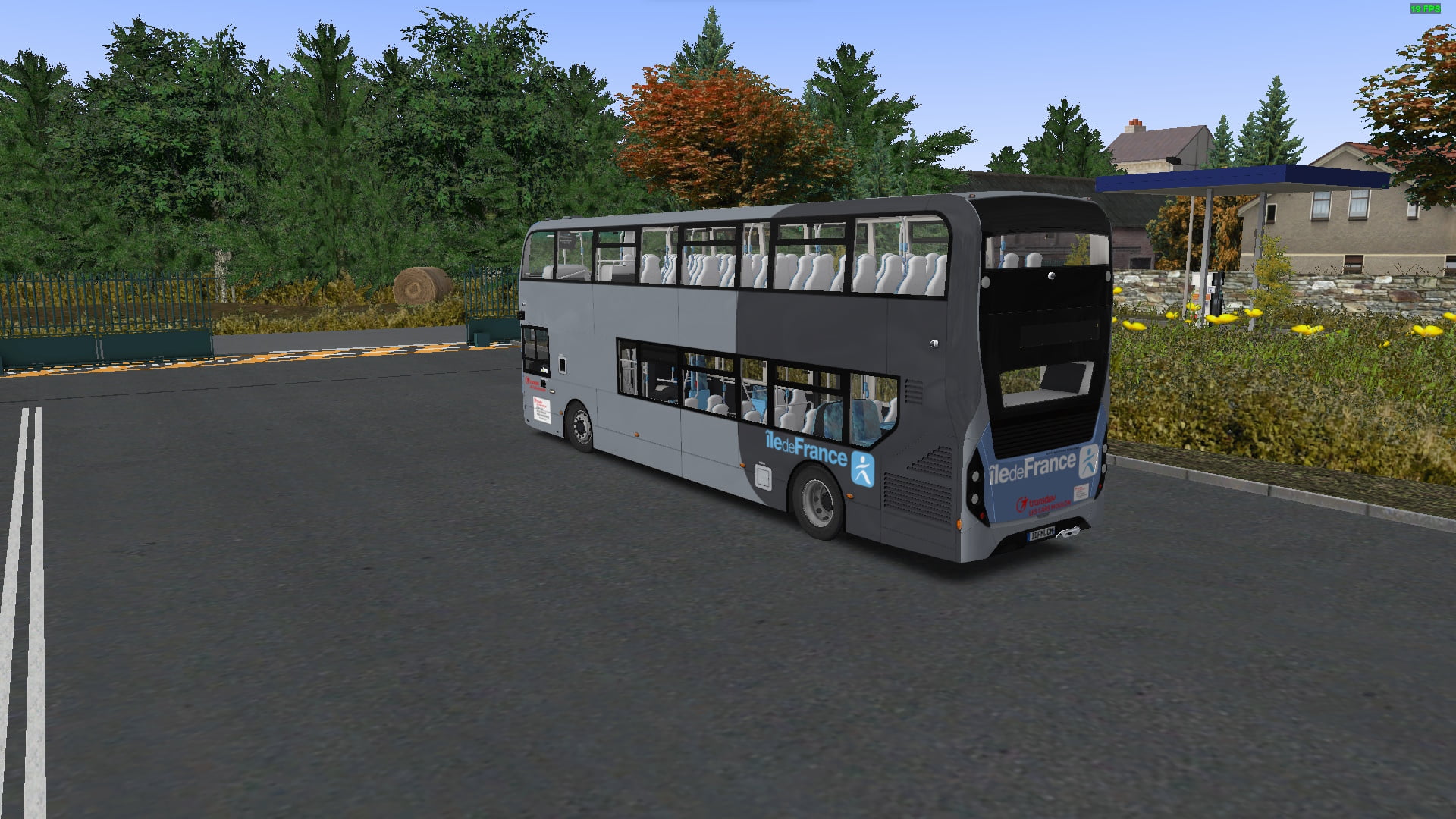
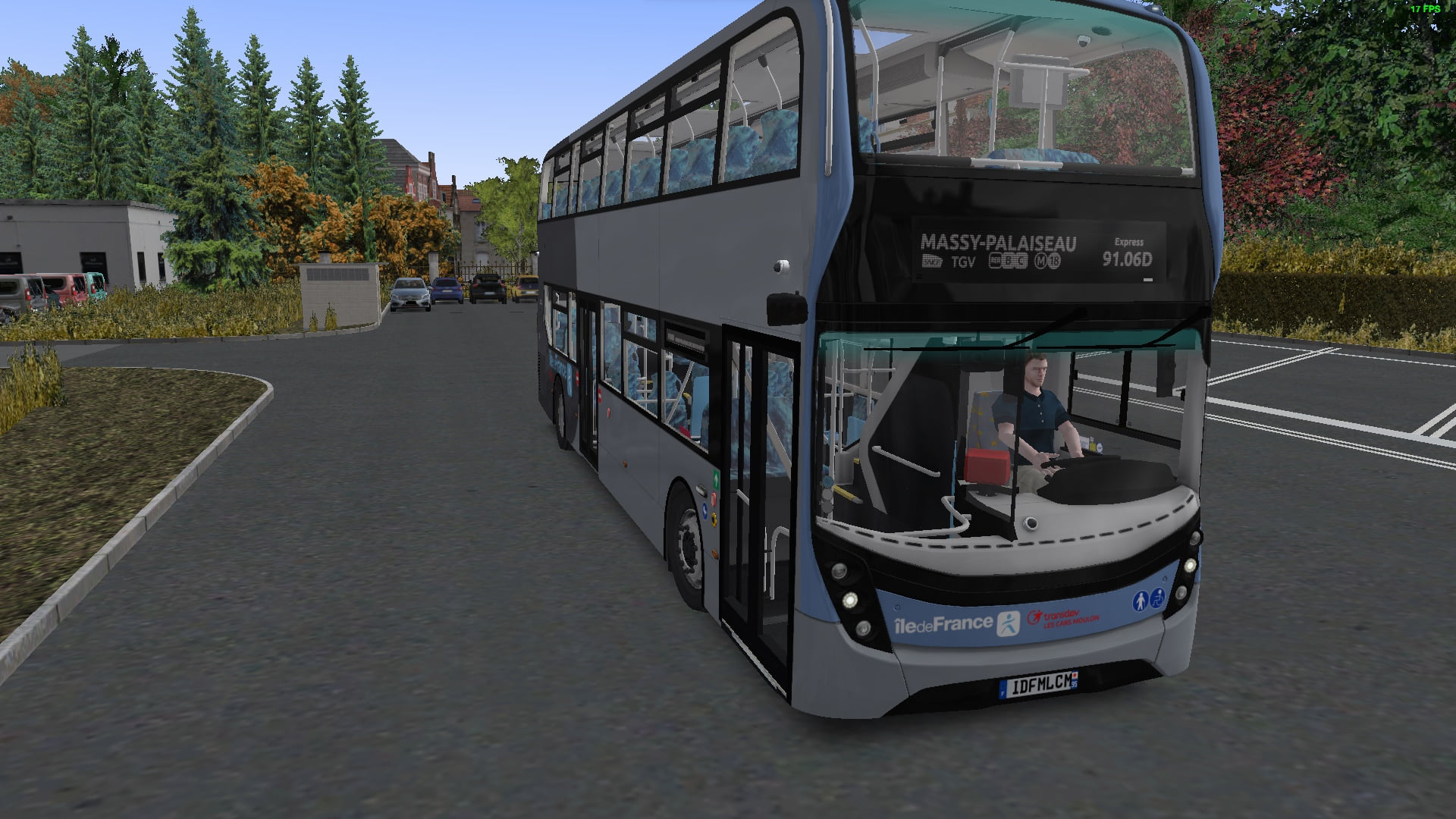
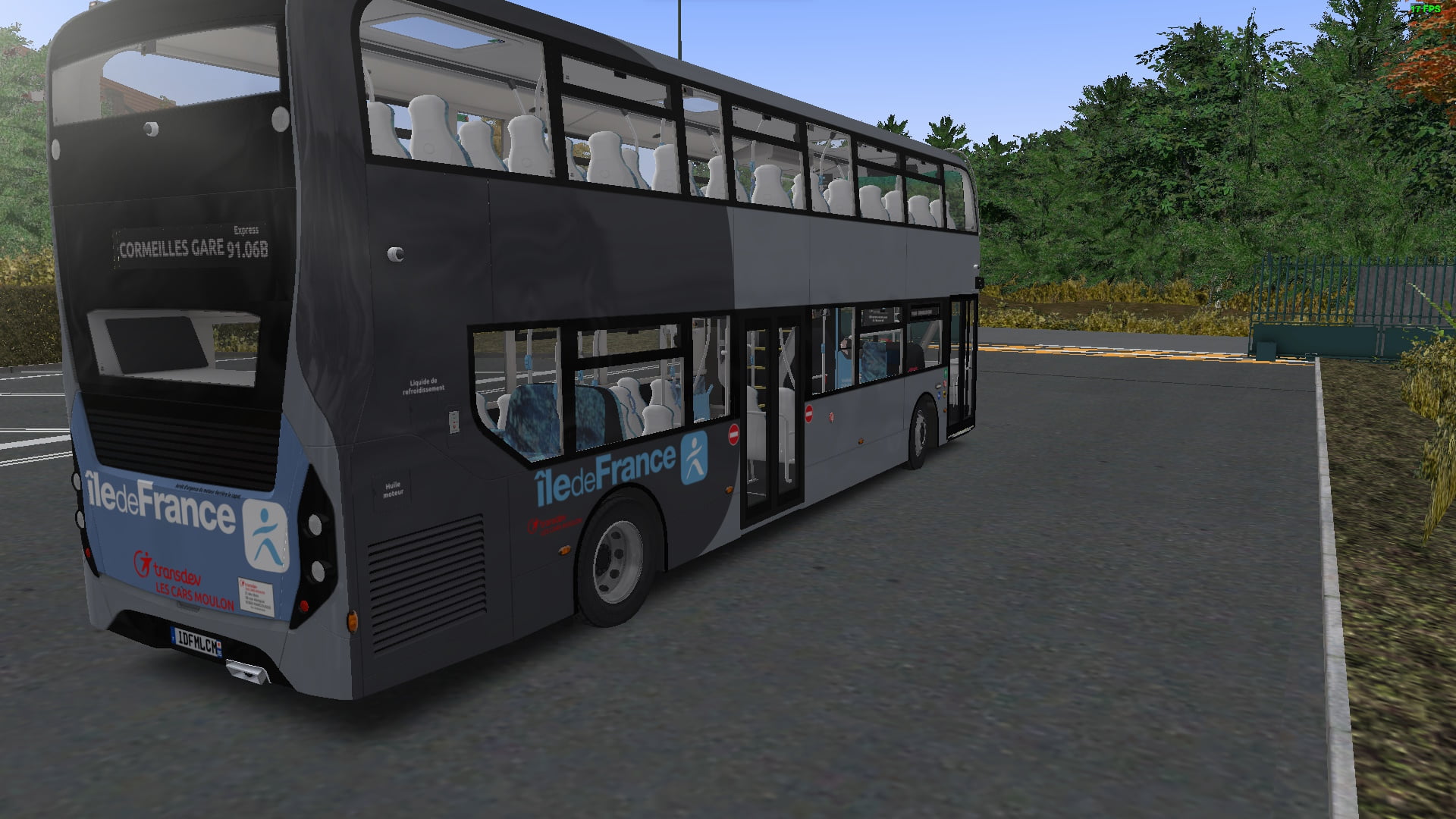
StudioPolygon E400 MMC Îlle de France Mobilitiés - Transdev LCM livery (Fictional) & custom GPM HOF file.
Fictional IDFM Transdev livery for SP E400MMC with GPM Hof
275 Downloads
2 Versionen
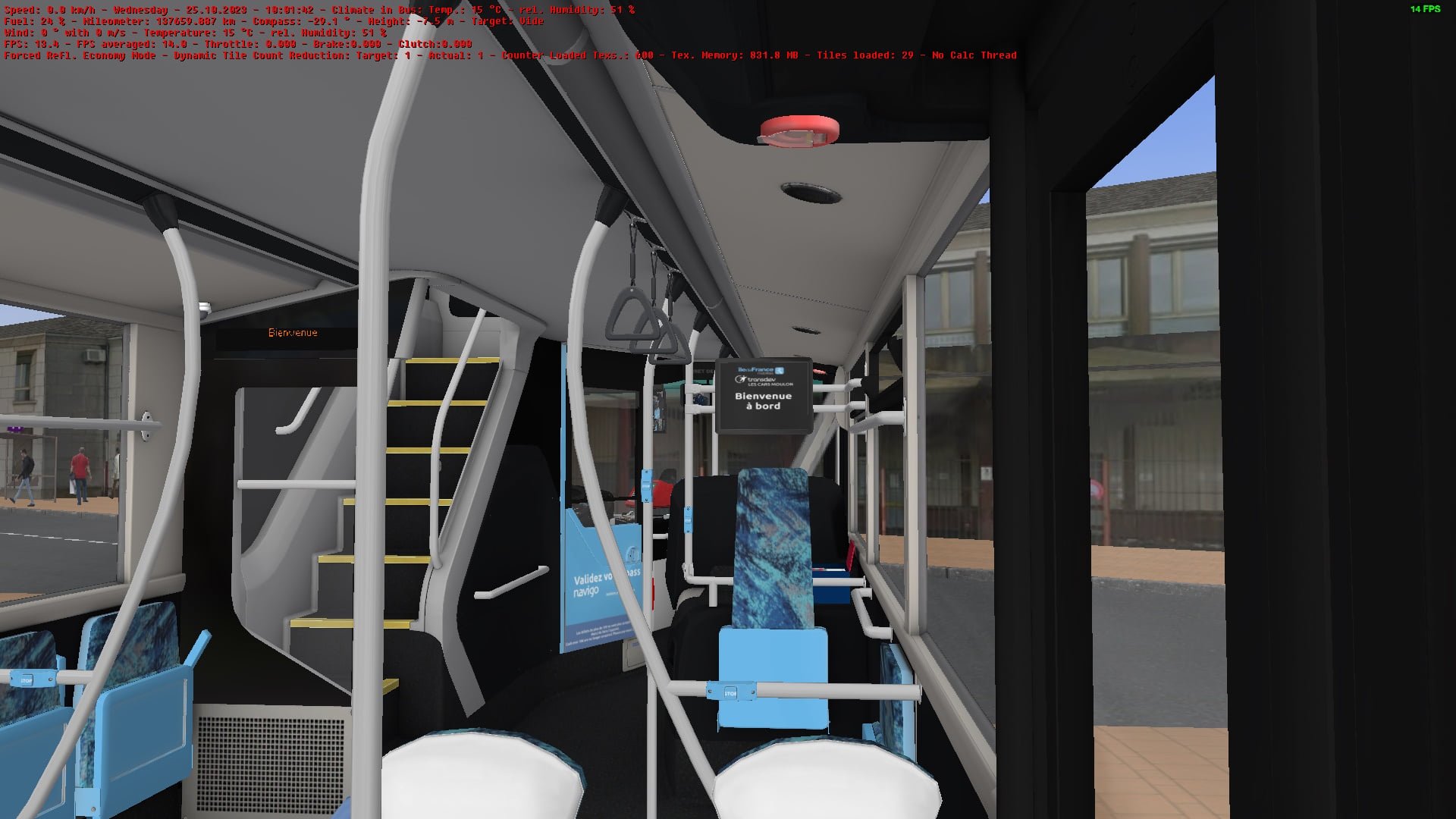
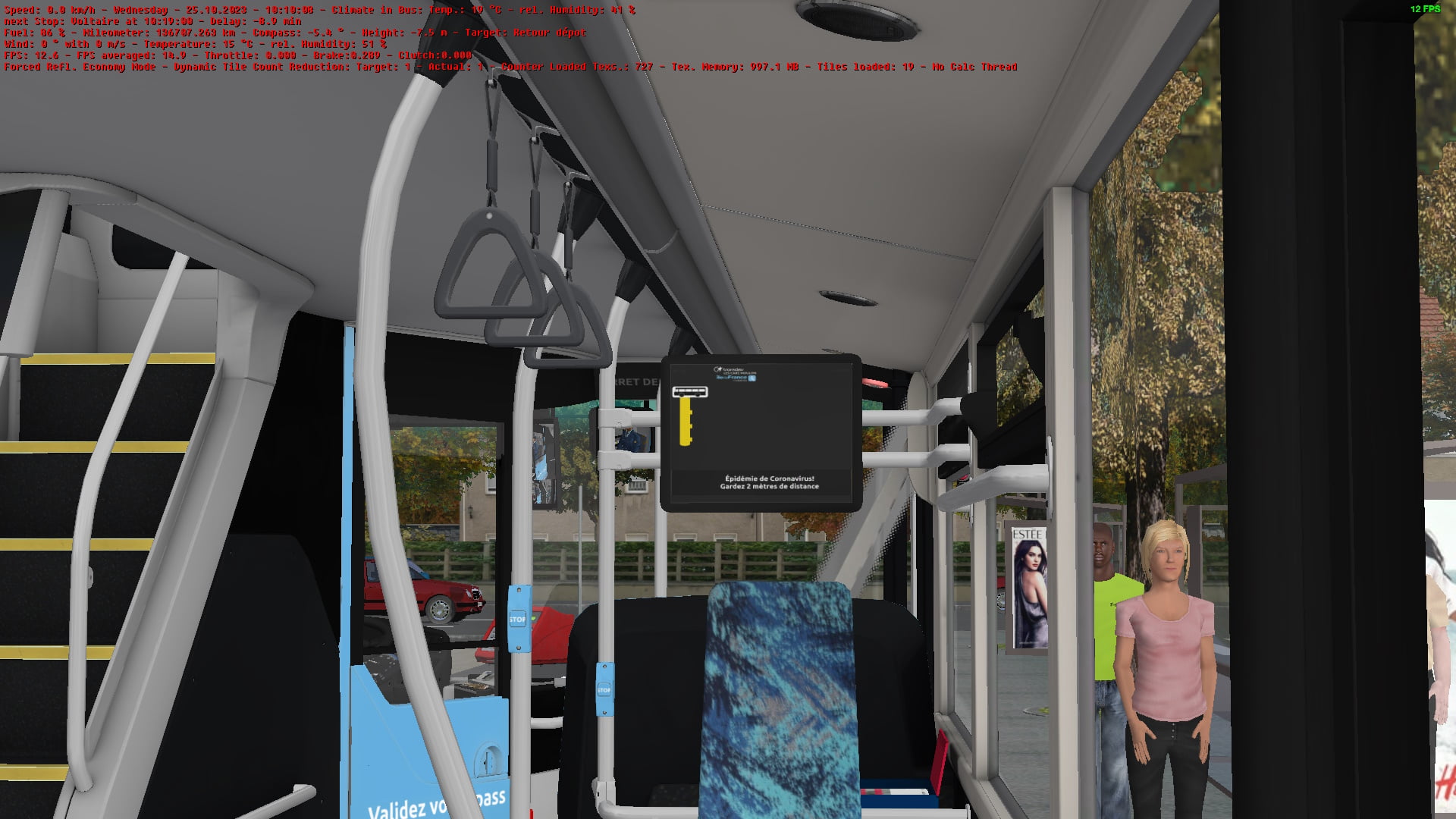
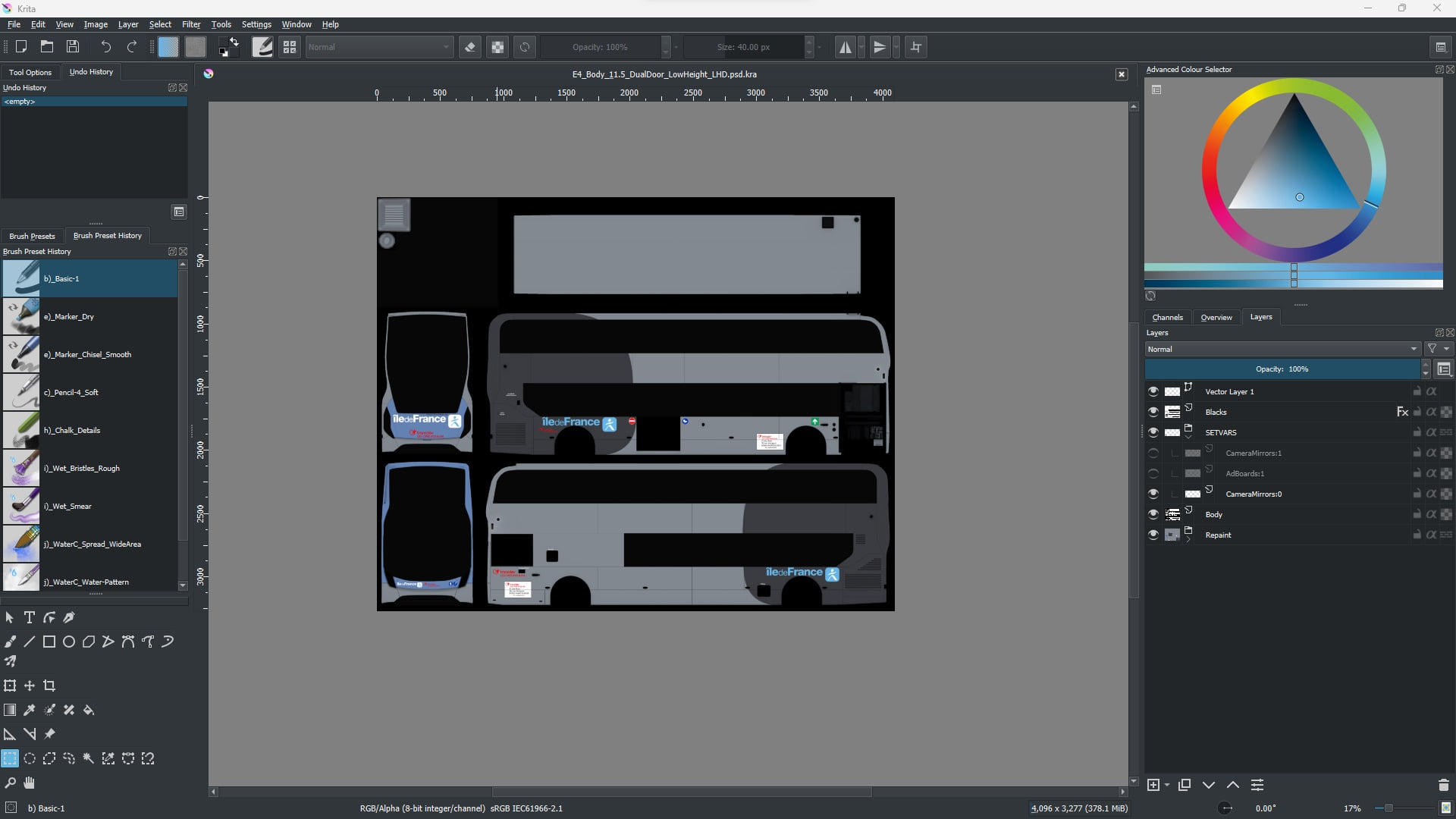
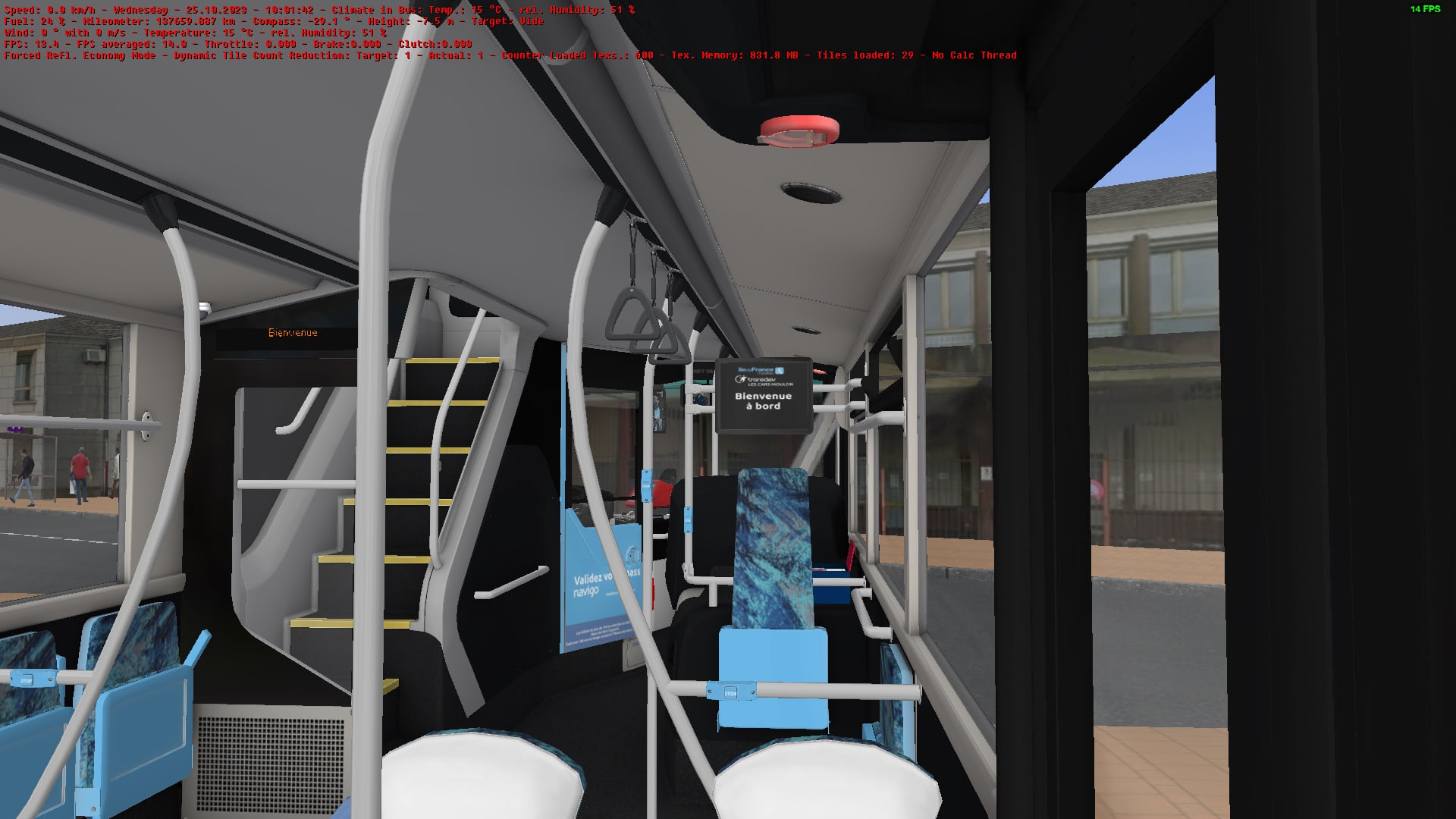
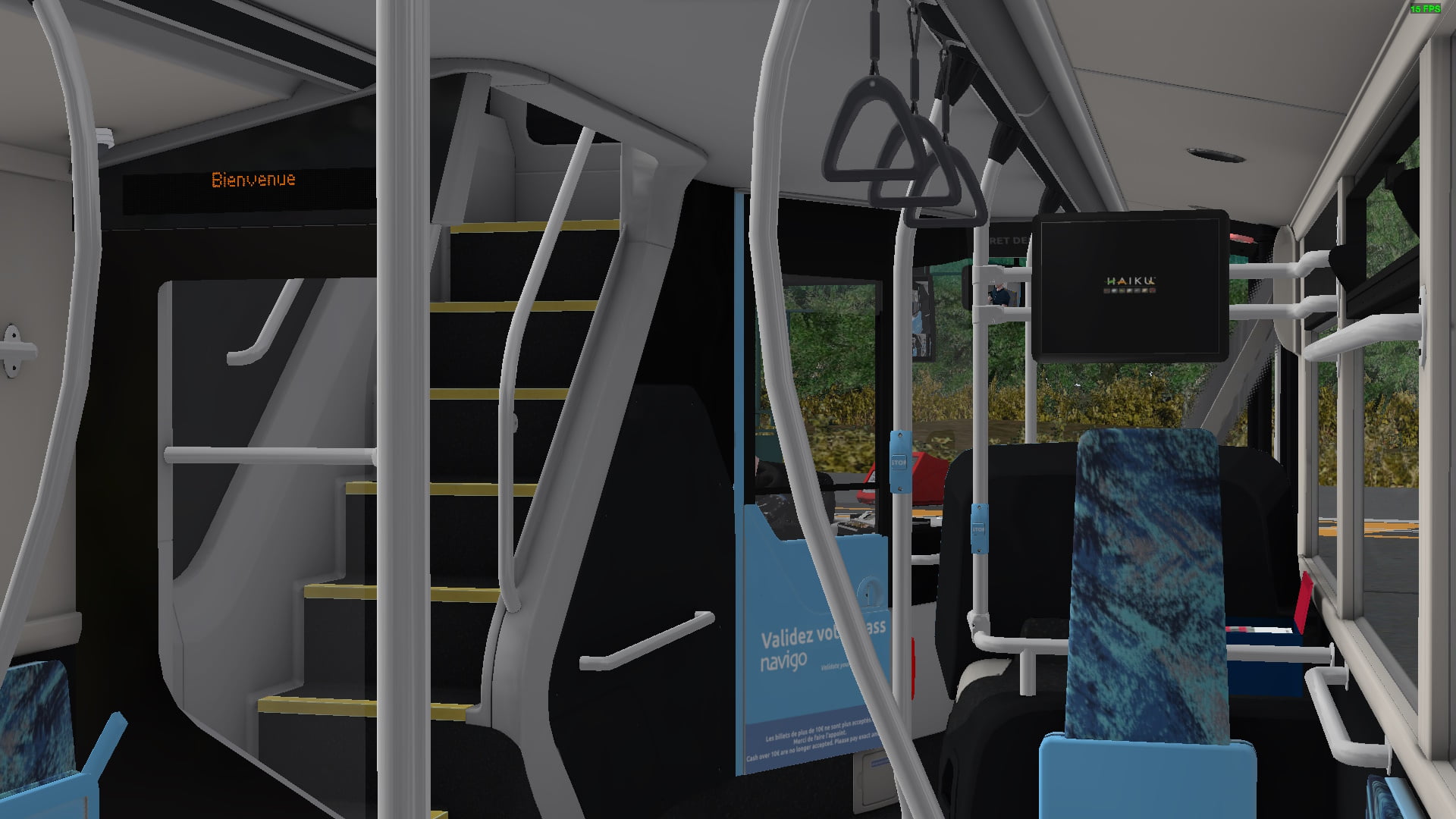
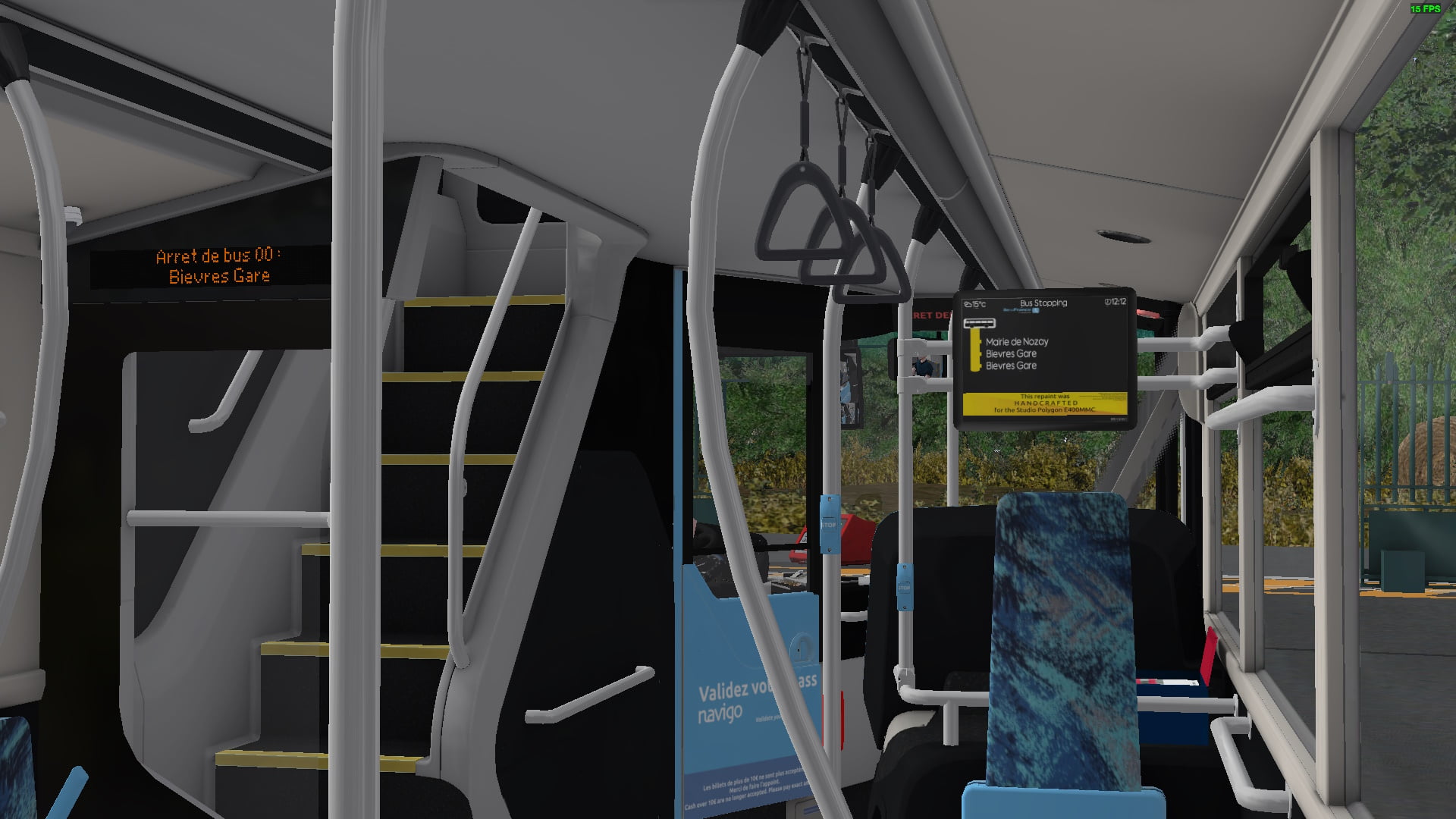
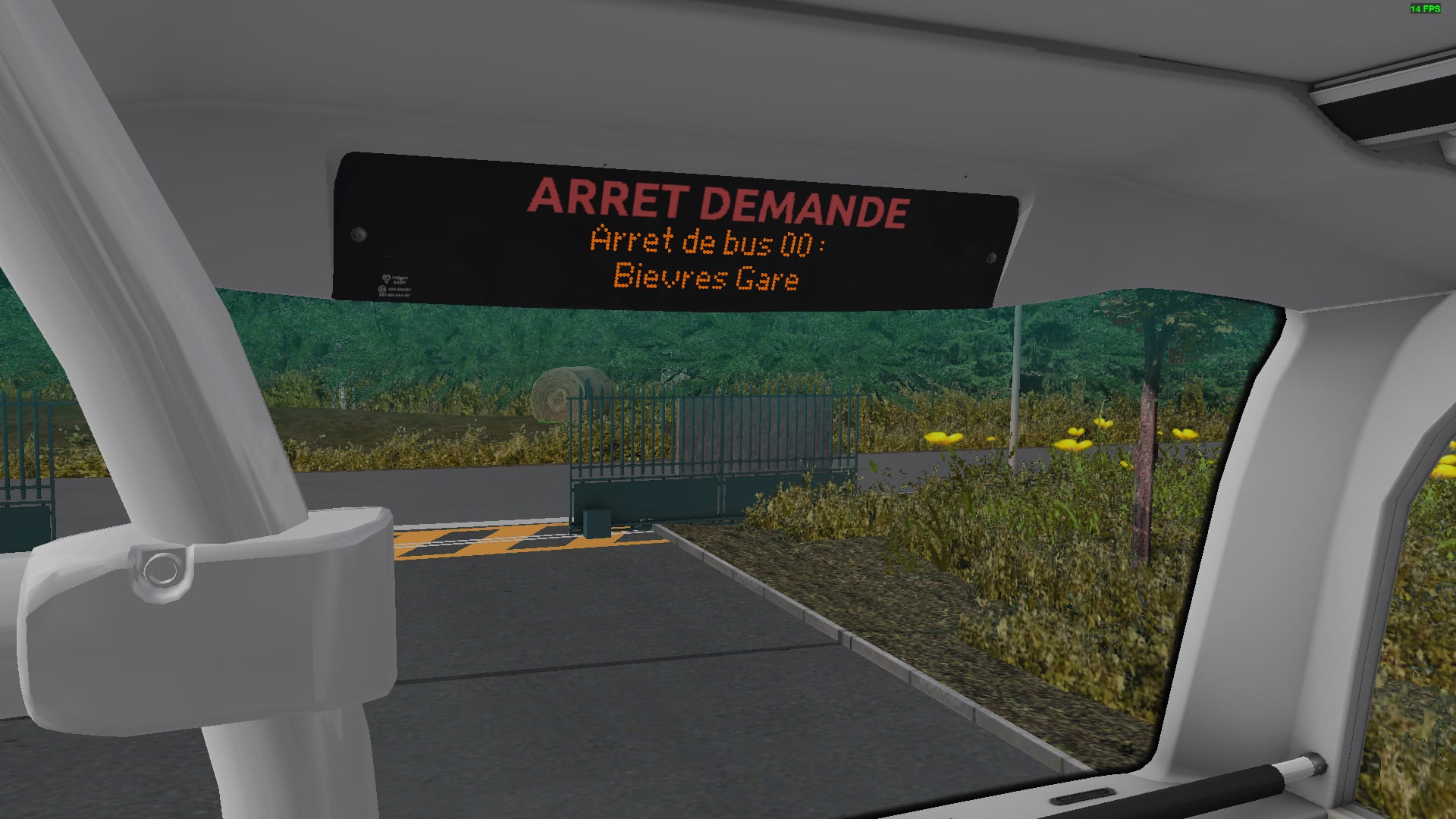
<p><span style="font-size: 12pt;"><span style="font-family:'Lucida Sans Unicode', 'Lucida Grande', sans-serif;"></span><span style="font-family:Verdana, Geneva, sans-serif;">This is a fictional repaint for the <em>Studio Polygon Enviro400 MMC</em> DLC Pack, specifically the LHD Low Height Dual-Door model at 11.5m long.<br></span></span></p><p><span style="font-size: 12pt;"><span style="font-family:Verdana, Geneva, sans-serif;"><br></span></span></p><p><span style="font-size: 12pt;"><span style="font-family:Verdana, Geneva, sans-serif;">It is worth noting that this bus will not work on GPM routes <em>11, 11s, 17 and 17s</em> due to the low-bridge at <em>Bievres</em> on approach to <em>Gare de Bievres</em>.<br></span></span></p><p><span style="font-size: 12pt;"><span style="font-family:Verdana, Geneva, sans-serif;"><br></span></span></p><p><span style="font-size: 12pt;"><span style="font-family:Verdana, Geneva, sans-serif;">There will probably be some spelling mistakes and incorrect translations, please blame <em>Google Translate</em> for that since I do not speak <em>French</em>.<br></span></span></p><p><span style="font-size: 12pt;"><span style="font-family:Verdana, Geneva, sans-serif;"><br></span></span></p><p><span style="font-size: 12pt;"><span style="font-family:Verdana, Geneva, sans-serif;">For the intended experience, use the model listed as </span></span><span style="font-size: 12pt;"><span style="font-family:Verdana, Geneva, sans-serif;"><strong>IDFM 400MMC 11.5m for Left-hand Drive (E40D/Voith)</strong></span></span><span style="font-size: 12pt;"><span style="font-family:Verdana, Geneva, sans-serif;"> which should be listed under the Manufacturer </span></span><span style="font-size: 12pt;"><span style="font-family:Verdana, Geneva, sans-serif;"><strong>[SP] Studio Polygon 400MMC (IDFM Spec)</strong></span></span><span style="font-size: 12pt;"><span style="font-family:Verdana, Geneva, sans-serif;"> as this will redirect the bus to use some custom scripts which have text in French (via Google Translate (for the HANICS int. LED Displ. system) and for the custom SPID (Int. LCD display system) textures</span></span><span style="font-size: 12pt;"><span style="font-family:Verdana, Geneva, sans-serif;">.</span></span></p><p><span style="font-size: 12pt;"><span style="font-family:Verdana, Geneva, sans-serif;"><br></span></span></p><p><span style="font-size: 12pt;"><span style="font-family:Verdana, Geneva, sans-serif;"><woltlab-metacode data-name="attach" data-attributes="WyIyMDIyMTgiLCJub25lIiwidHJ1ZSJd"></woltlab-metacode><woltlab-metacode data-name="attach" data-attributes="WyIyMDIyMTkiLCJub25lIiwidHJ1ZSJd"></woltlab-metacode><woltlab-metacode data-name="attach" data-attributes="WyIyMDIyMjAiLCJub25lIiwidHJ1ZSJd"></woltlab-metacode><woltlab-metacode data-name="attach" data-attributes="WyIyMDIyMjEiLCJub25lIiwidHJ1ZSJd"></woltlab-metacode><woltlab-metacode data-name="attach" data-attributes="WyIyMDIyMjIiLCJub25lIiwidHJ1ZSJd"></woltlab-metacode><woltlab-metacode data-name="attach" data-attributes="WyIyMDIyMjMiLCJub25lIiwidHJ1ZSJd"></woltlab-metacode><woltlab-metacode data-name="attach" data-attributes="WyIyMDIyMjQiLCJub25lIiwidHJ1ZSJd"></woltlab-metacode><woltlab-metacode data-name="attach" data-attributes="WyIyMDIyMjUiLCJub25lIiwidHJ1ZSJd"></woltlab-metacode><woltlab-metacode data-name="attach" data-attributes="WyIyMDIyMjYiLCJub25lIiwidHJ1ZSJd"></woltlab-metacode><woltlab-metacode data-name="attach" data-attributes="WyIyMDIyMjciLCJub25lIiwidHJ1ZSJd"></woltlab-metacode><woltlab-metacode data-name="attach" data-attributes="WyIyMDIyMjgiLCJub25lIiwidHJ1ZSJd"></woltlab-metacode><br></span></span></p><p><span style="font-size: 12pt;"><span style="font-family:Verdana, Geneva, sans-serif;">The repaint was made mostly using <a href="http://Krita.org">Krita </a>and <a href="http://getpaint.net">Paint.Net</a> with some symbols © Îlle de France Mobilitiés, Transdev Group, StudioPolygon and the developers of the Grand Paris-Moulon DLC. Many texture assets are from StudioPolygon and the developers of GPM DLC (GPM texture files located at OMSI 2\Addons\GPM) for the vehicle livery while some HOF file symbols are from <a href="https://commons.wikimedia.org/wiki/Category:%C3%8Ele-de-France_Mobilit%C3%A9s">Wikimedia Commons</a> and are © Îlle de France Mobilitiés and are supposed to be compliant with the <a href="https://eu.ftp.opendatasoft.com/stif/PrescriptionsSignaletiques/IDFM_01_Referentiel-des-symboles-de-mode-et-indices-de-ligne_1.pdf">IDFM design guide</a> but during testing, the symbol spacing is clearly non-compliant, this will be fixed in version 1.1 .<br></span></span></p><p><span style="font-size: 12pt;"><span style="font-family:Verdana, Geneva, sans-serif;"><br></span></span></p><h2>Unfortunately, due to the way the StudioPolygon (and also Masterswitch Studios) buses read HOF files, no audio announcements will play, this is because SP and MS buses read information from the timetable instead of from the HOF file itself which would be fine on other maps, however GPM uses a custom Audio Announcement formatting in the HOF file so that announcements can play for both the Destination and the Next Stop, unlike the vehicles included in the base-game which can only play the Next Stop announcement.
</h2>
<h2><strong><span style="font-size: 24pt;">Installation:
<br></span></strong></h2>
<h2><span style="font-size: 18pt;"></span><strong><span style="font-size: 24pt;"></span><span style="font-size: 14pt;">Copy the <em>Vehicles</em> folder to your OMSI 2 Directory, normally found at <em>C:\program files (x86)\Steam\Steamapps\Common\OMSI 2</em>. If Windows Explorer asks you to merge files & folders, click on the <em>YES</em> button.<br></span></strong></h2>
<h2><strong><span style="font-size: 12pt;">The download has been compressed into a ZIP file using a word size of 256; if your archiving tool cannot open this file, then use <a href="http://7-zip.org">7zip</a> on Windows <del>or <a href="https://apps.kde.org/en-gb/ark/">Ark</a> if you are running OMSI on Linux (or BSD) via Wine or Proton.</del></span><span style="font-size: 14pt;"></span></strong></h2>
</h2>
<h2><strong><span style="font-size: 24pt;">Installation:
<br></span></strong></h2>
<h2><span style="font-size: 18pt;"></span><strong><span style="font-size: 24pt;"></span><span style="font-size: 14pt;">Copy the <em>Vehicles</em> folder to your OMSI 2 Directory, normally found at <em>C:\program files (x86)\Steam\Steamapps\Common\OMSI 2</em>. If Windows Explorer asks you to merge files & folders, click on the <em>YES</em> button.<br></span></strong></h2>
<h2><strong><span style="font-size: 12pt;">The download has been compressed into a ZIP file using a word size of 256; if your archiving tool cannot open this file, then use <a href="http://7-zip.org">7zip</a> on Windows <del>or <a href="https://apps.kde.org/en-gb/ark/">Ark</a> if you are running OMSI on Linux (or BSD) via Wine or Proton.</del></span><span style="font-size: 14pt;"></span></strong></h2>
Bilder