CityWide GN14
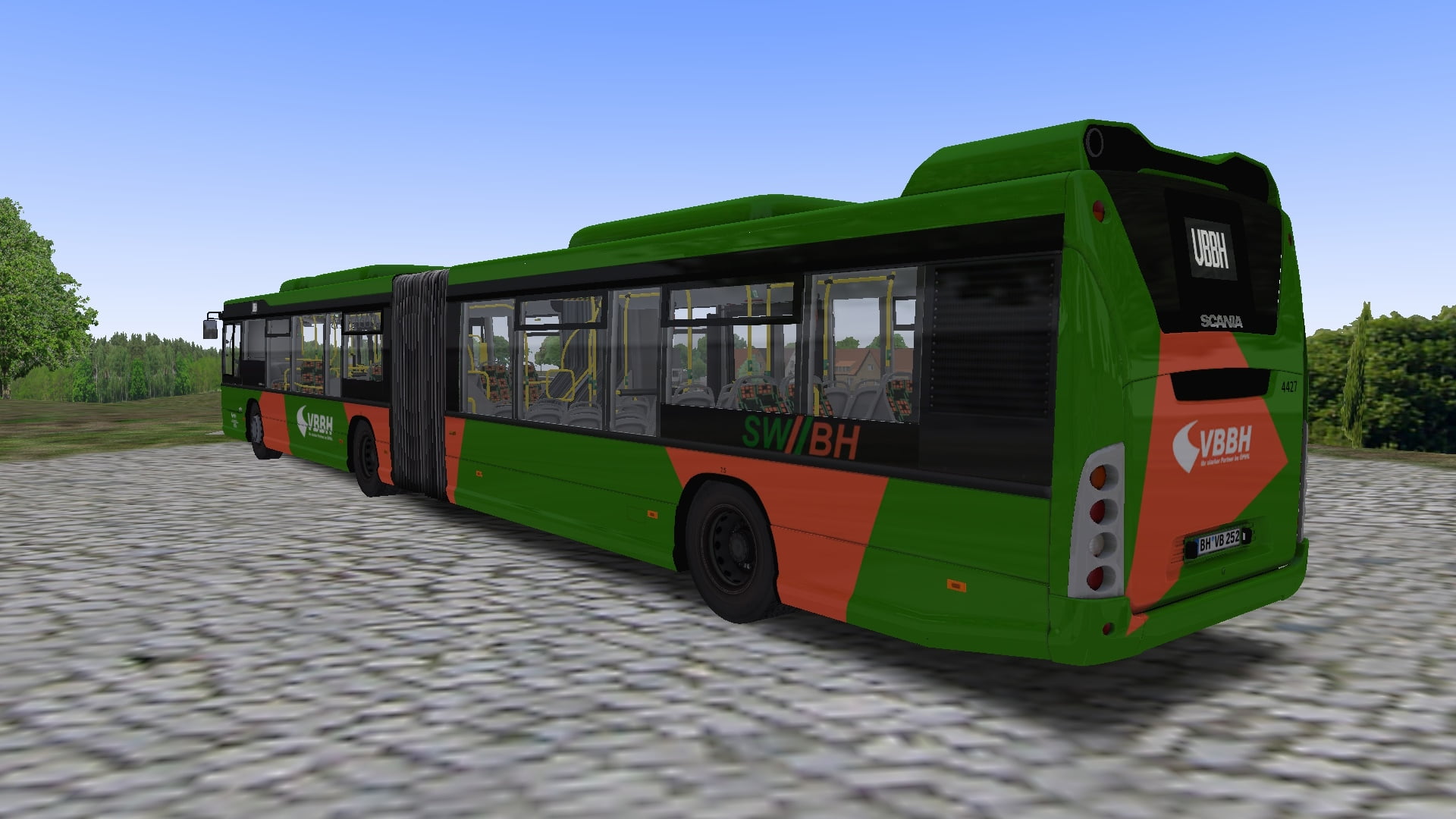
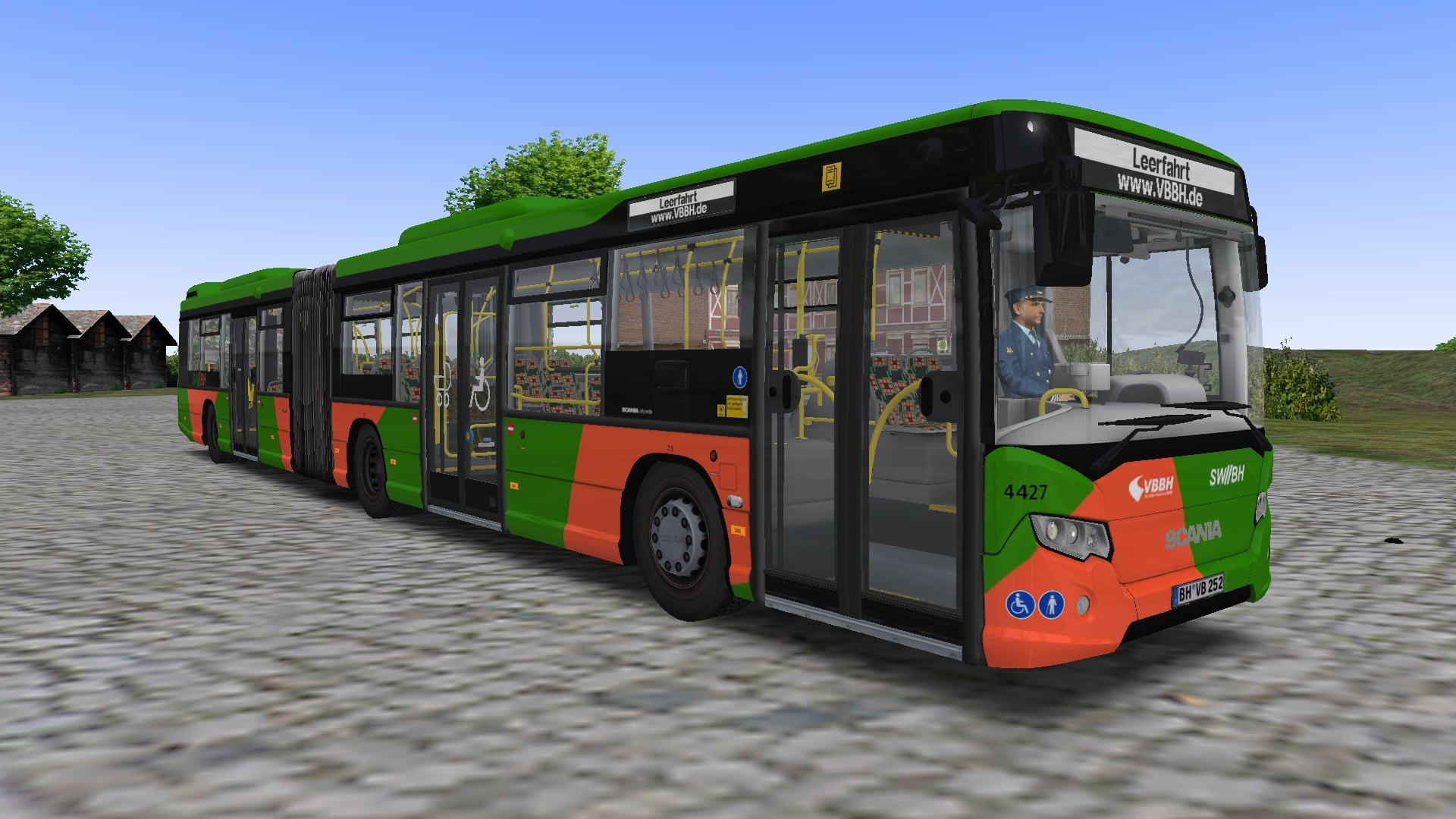
VBBH Bad Hügelsdorf-Repaint für Scania Citywide
[DE] Repaint der Verkehrsbetriebe Bad Hügelsdorf für den Scania Citywide GN14 [EN] Repaint of Verkehsbetriebe Bad Hügelsdorf for the Scania Citywide GN14
401 Downloads
1 Versionen
<p><strong></strong></p><p><strong>Bus: </strong><a href="https://forum.omnibussimulator.de/forum/index.php?thread/35947-scania-citywide/">Link (OMSI-Forum)<br></a></p><p><strong>Map:</strong> <a href="https://store.steampowered.com/app/1288340/OMSI_2_Addon_Bad_Hgelsdorf_2020/">Link (Steam)</a></p><p><br></p><p><strong>Installation: <br></strong></p><p><woltlab-metacode data-name="flag" data-attributes="WyJkZSJd"></woltlab-metacode><strong><br></strong></p><woltlab-spoiler>
<p>Die Zip-Datei einfach im OMSI-Hauptverzeichnis entpacken</p>
<p><br></p>
<p>Damit die <strong>Lawo-Innenanzeige</strong> funktioniert:</p>
<p>1. Morphi-Patch installieren (sollte man sowieso)</p>
<p>2. Unter "Vehicles\Scania Citywide GN14\Model" die "Model_GN14.cfg" und die "model_GN14 Trail.cfg" öffnen.</p>
<p>3. Unter <a href="https://reboot.omsi-webdisk.de/wiki/entry/32-texture/">Texture</a>-Changes folgendes einfügen:</p><pre>[CTCTexture]
repaint_lawo
lawo_WL_vcsik.bmp</pre>
<p>4. Speichern und Schließen</p>
<p><strong><br></strong></p>
</woltlab-spoiler>
<p><woltlab-metacode data-name="flag" data-attributes="WyJnYiJd"></woltlab-metacode><strong><br></strong></p><woltlab-spoiler>
<p>Simply unzip the zip-file into the OMSI main directory.</p>
<p><br></p>
<p>So that the<strong> Lawo interior display</strong> works:</p>
<p>1. Install the Morphi patch (you should anyway)</p>
<p>2. Open the files "model_GN14.cfg" and "model_GN14 Trail.cfg" in the folder "Vehicles\Scania Citywide GN14\Model".</p>
<p>3. Insert the folowing in the "Texture-Changes" section:</p><pre>[CTCTexture]
repaint_lawo
lawo_WL_vcsik.bmp</pre>
<p>4. Save and close.</p>
<p><strong><br></strong></p>
</woltlab-spoiler>
<p>Viel Spaß! Have fun!</p>
<p>Die Zip-Datei einfach im OMSI-Hauptverzeichnis entpacken</p>
<p><br></p>
<p>Damit die <strong>Lawo-Innenanzeige</strong> funktioniert:</p>
<p>1. Morphi-Patch installieren (sollte man sowieso)</p>
<p>2. Unter "Vehicles\Scania Citywide GN14\Model" die "Model_GN14.cfg" und die "model_GN14 Trail.cfg" öffnen.</p>
<p>3. Unter <a href="https://reboot.omsi-webdisk.de/wiki/entry/32-texture/">Texture</a>-Changes folgendes einfügen:</p><pre>[CTCTexture]
repaint_lawo
lawo_WL_vcsik.bmp</pre>
<p>4. Speichern und Schließen</p>
<p><strong><br></strong></p>
</woltlab-spoiler>
<p><woltlab-metacode data-name="flag" data-attributes="WyJnYiJd"></woltlab-metacode><strong><br></strong></p><woltlab-spoiler>
<p>Simply unzip the zip-file into the OMSI main directory.</p>
<p><br></p>
<p>So that the<strong> Lawo interior display</strong> works:</p>
<p>1. Install the Morphi patch (you should anyway)</p>
<p>2. Open the files "model_GN14.cfg" and "model_GN14 Trail.cfg" in the folder "Vehicles\Scania Citywide GN14\Model".</p>
<p>3. Insert the folowing in the "Texture-Changes" section:</p><pre>[CTCTexture]
repaint_lawo
lawo_WL_vcsik.bmp</pre>
<p>4. Save and close.</p>
<p><strong><br></strong></p>
</woltlab-spoiler>
<p>Viel Spaß! Have fun!</p>
Bilder