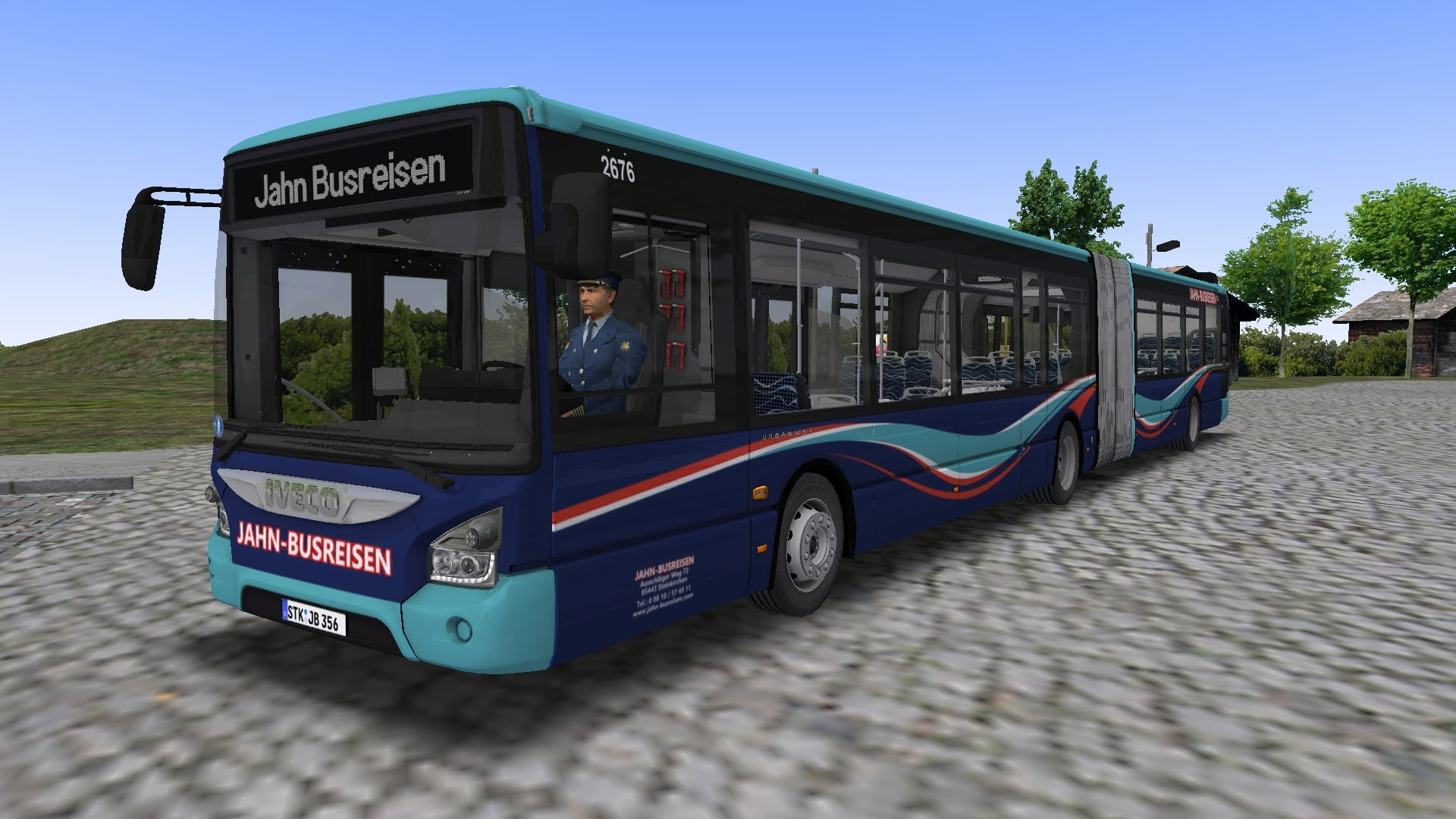
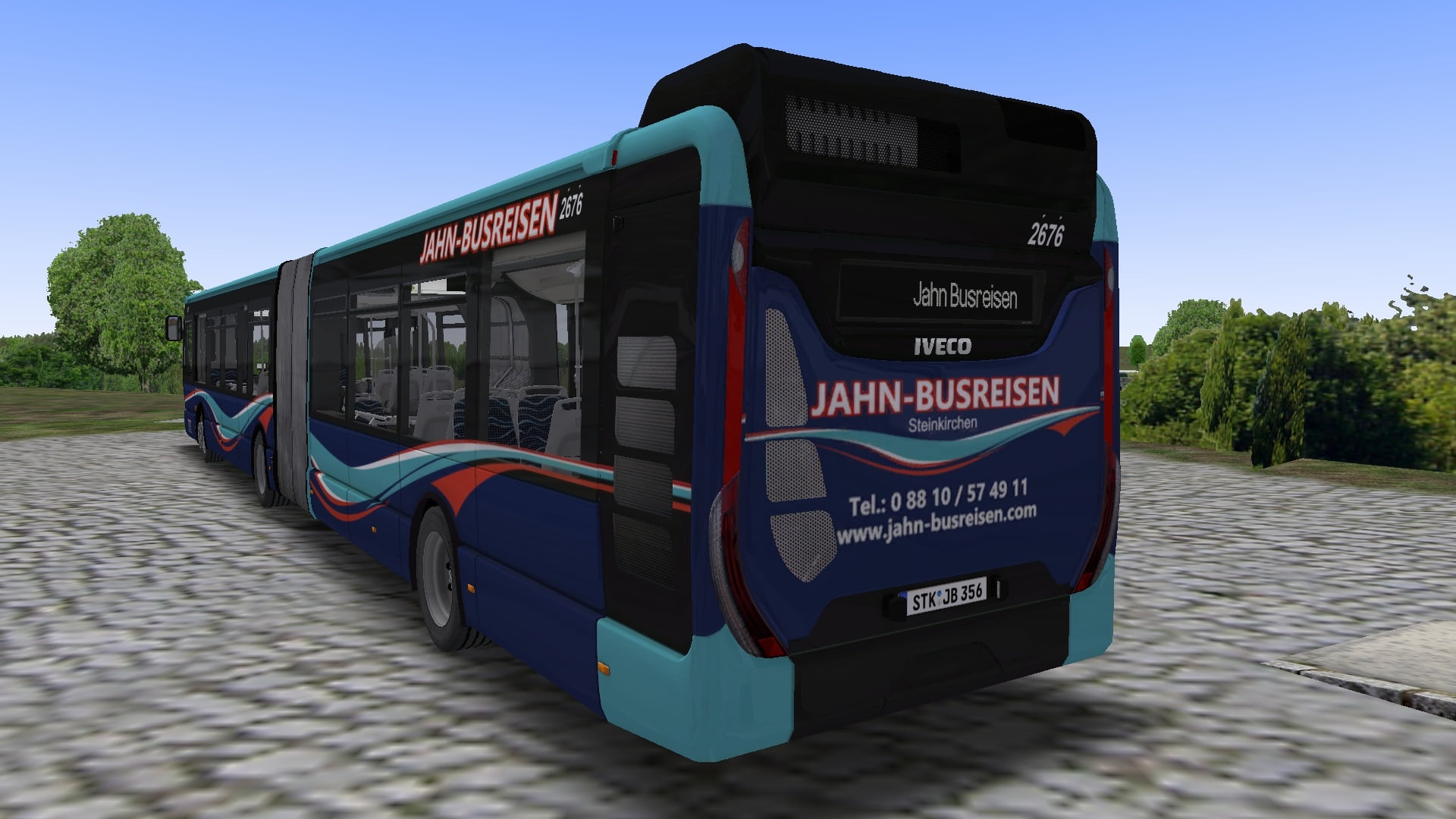
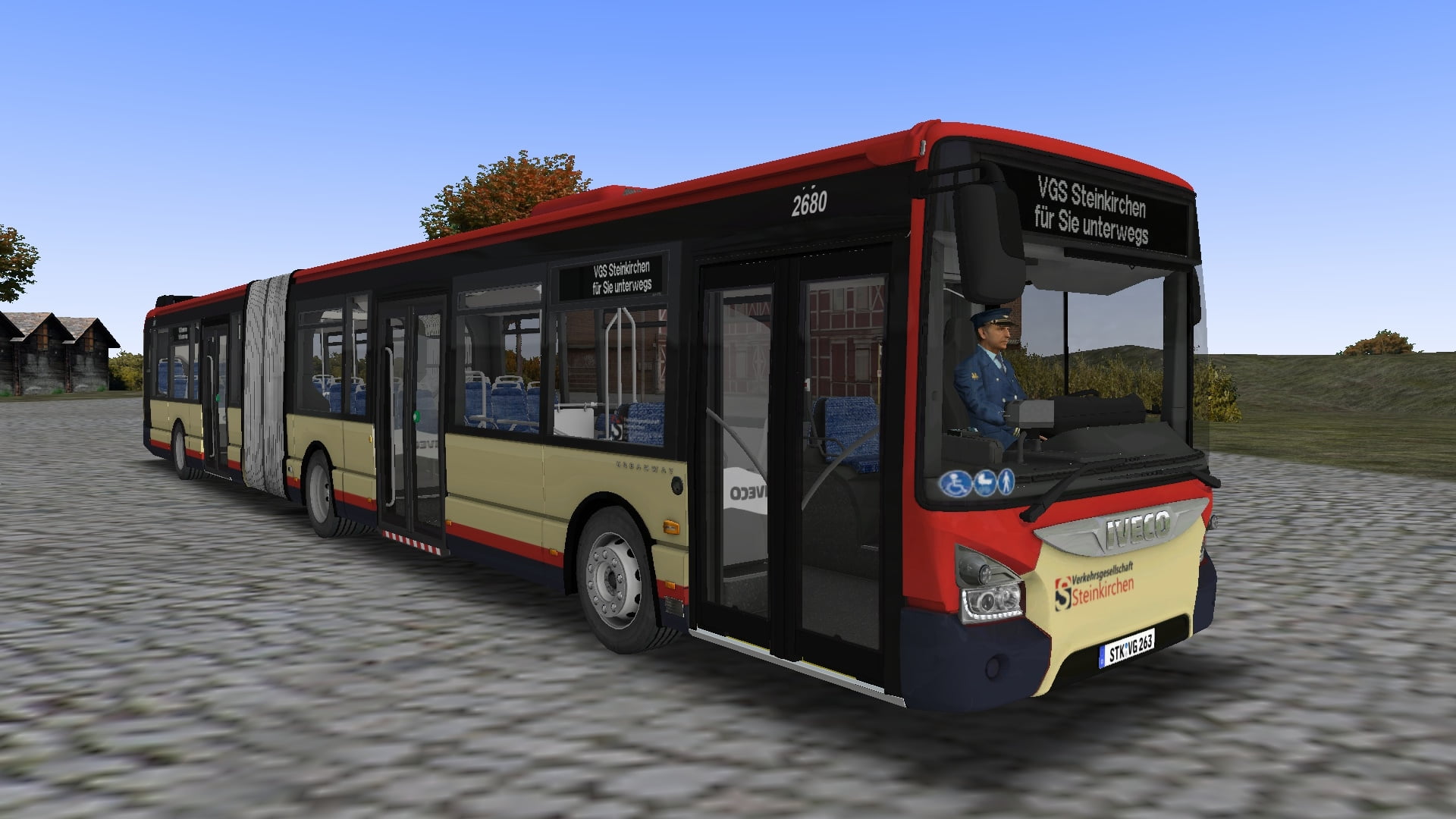
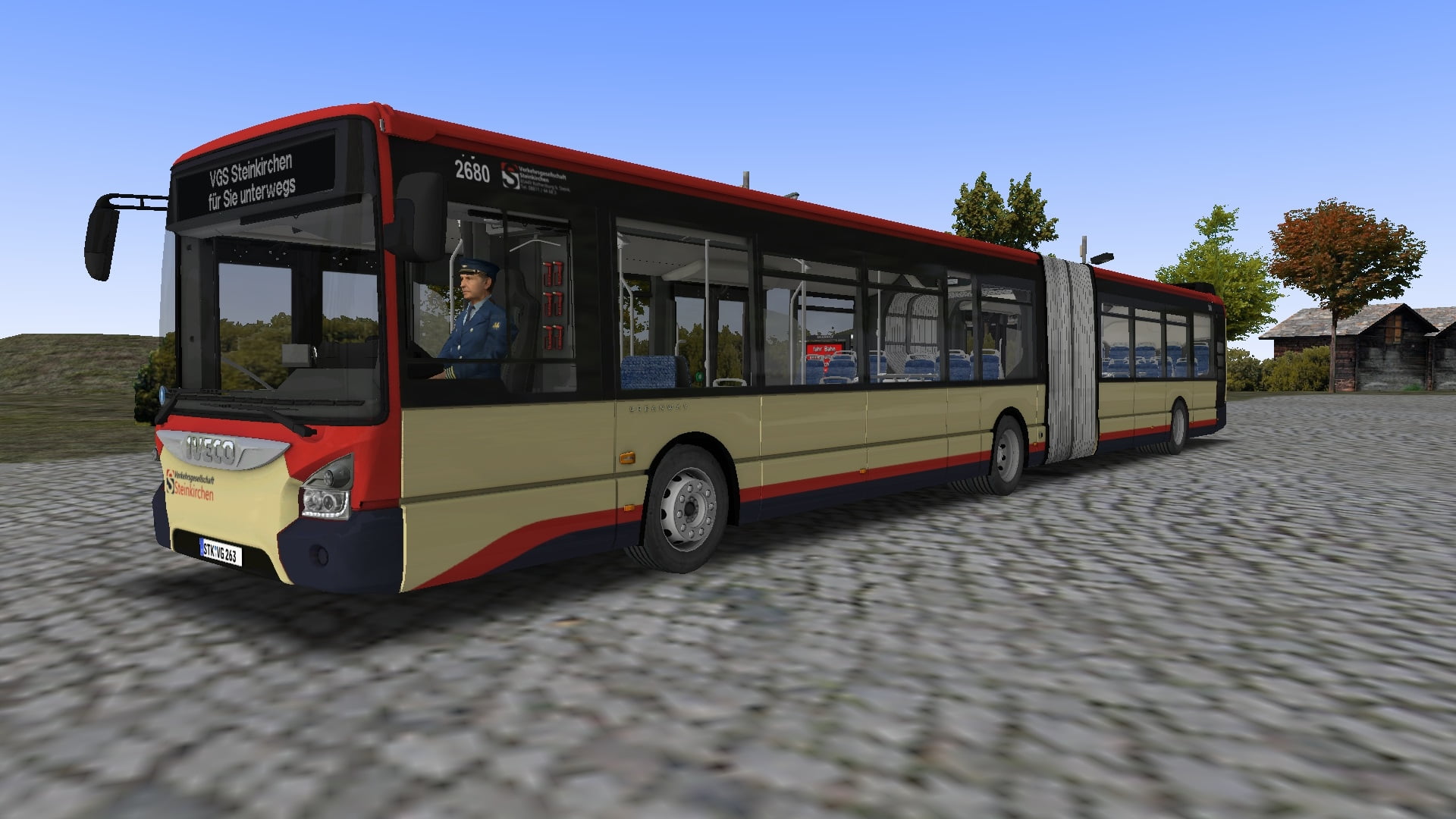
IVECO Urbanway 18 (DLC Hohenkirchen)
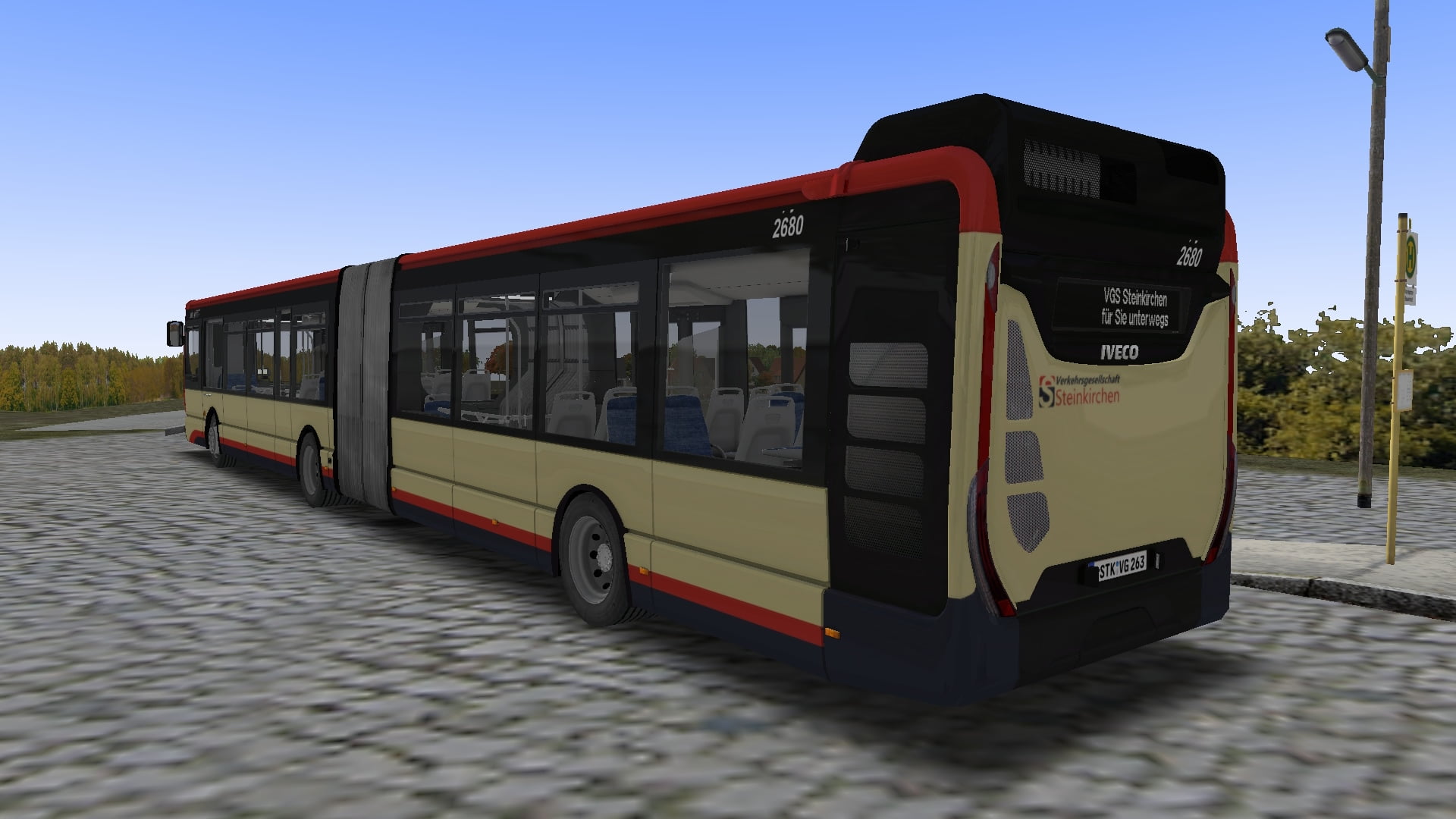
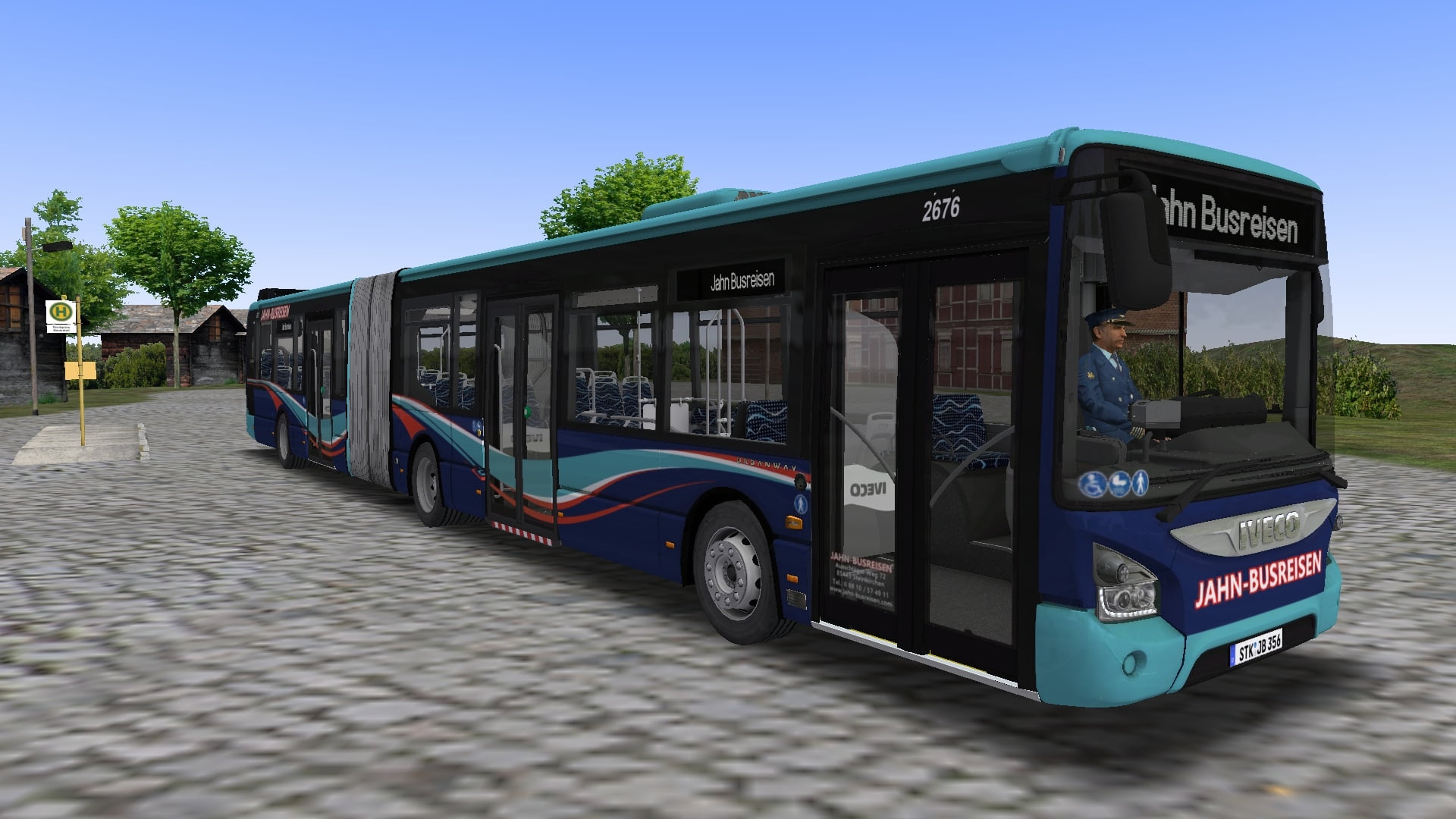
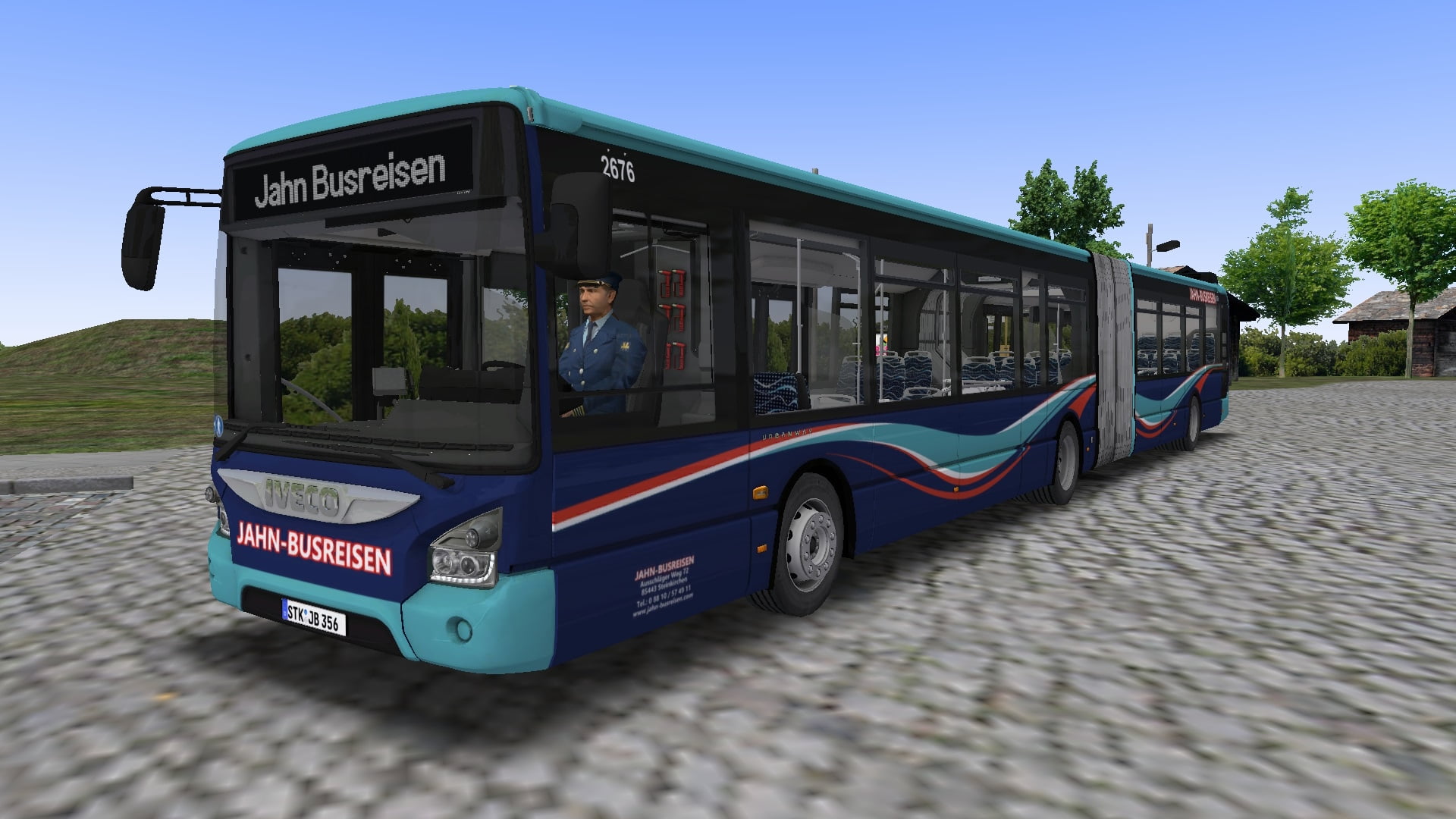
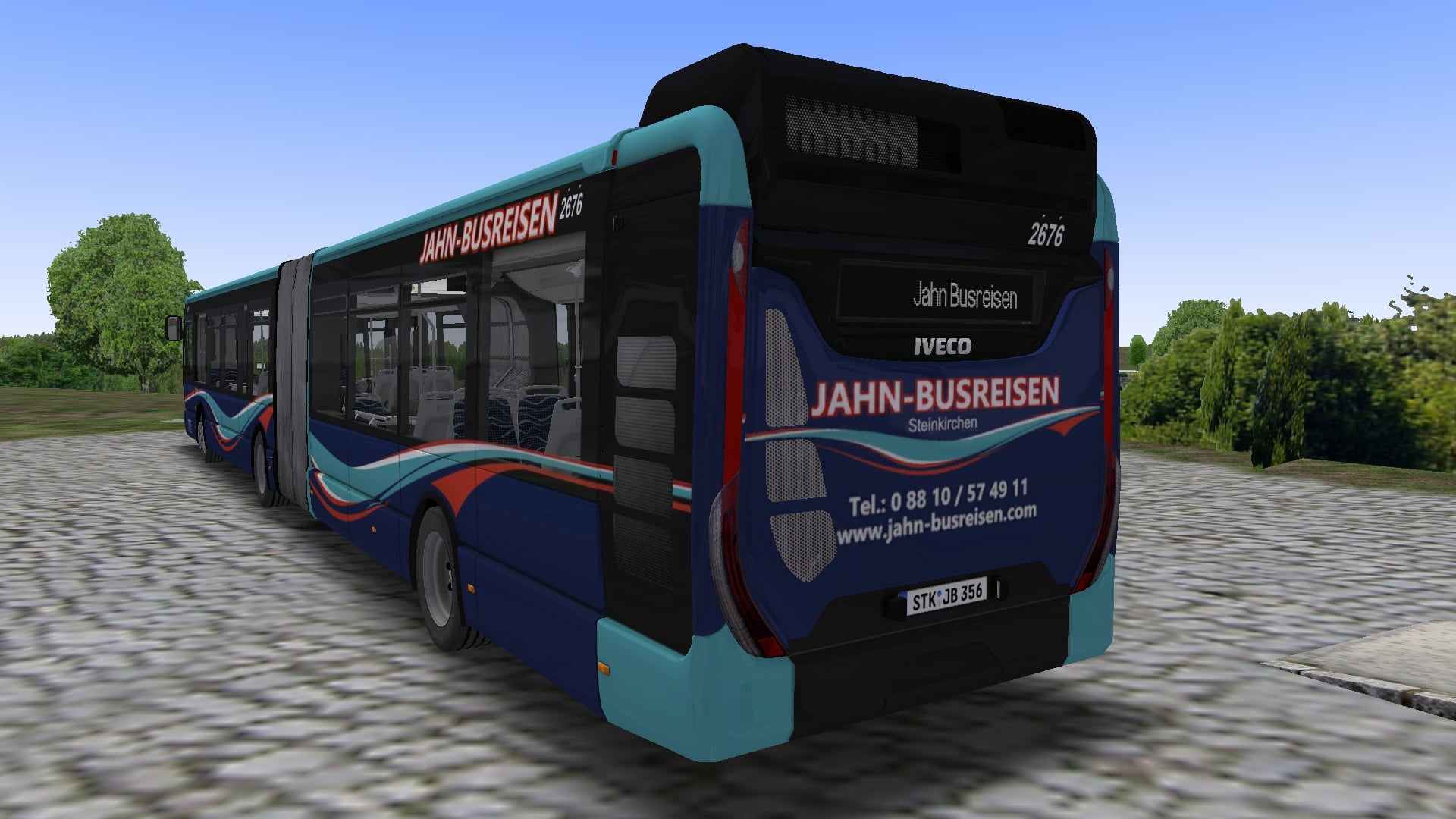
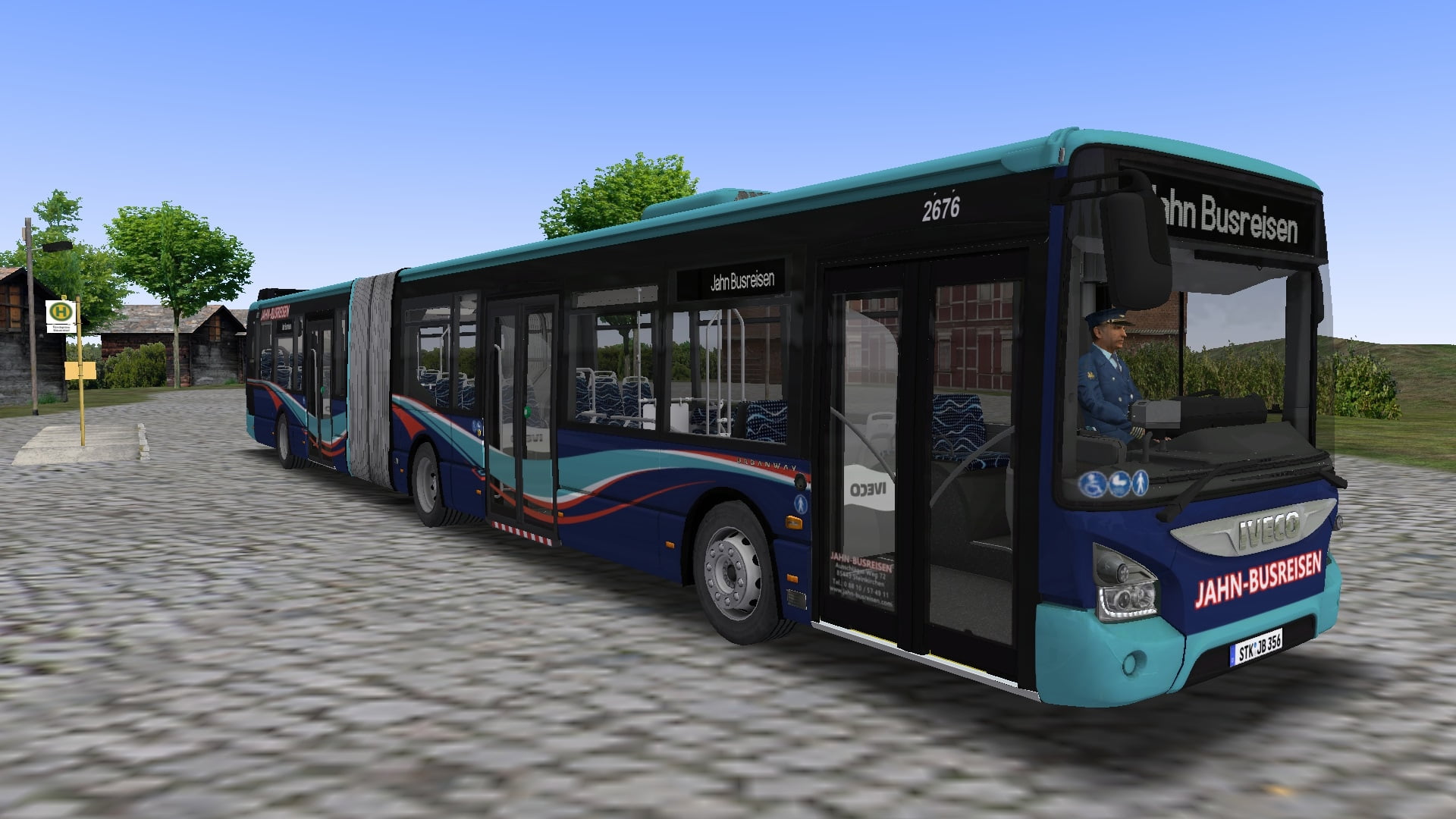
VGS Steinkirchen-Repaint für Iveco Urbanway 18
[DE] Repaints der Verkehrsgesellschaft Steinkirchen und Jahn Busreisen für den Iveco Urbanway 18 aus dem Hohenkirchen-DLC [EN] Repaints of Verkehrsgesellschaft Steinkirchen and Jahn Busreisen for the Iveco Urbanway 18 from the Hohenkirchen DLC
238 Downloads
2 Versionen
<p><strong>Bus: </strong><a href="https://store.steampowered.com/app/2333200/OMSI_2_Addon_Hohenkirchen/?curator_clanid=5306295">Link (Steam)</a></p><p><strong>Map:</strong> <a href="https://reboot.omsi-webdisk.de/file/7558-steinkirchen-v2-1/">Steinkirchen V2.1</a><a href="https://reboot.omsi-webdisk.de/file/3518-lemmental-v3-updated-2018/#overview"></a></p><p><a href="https://reboot.omsi-webdisk.de/file/8512-haren-semi-real/"></a></p><p><br></p><p><strong>Installation: </strong></p><p><img src="https://reboot.omsi-webdisk.de/net/icon/flag/de.svg" alt="de.svg"><strong>: </strong>Die Zip-Datei einfach im OMSI-<a href="https://reboot.omsi-webdisk.de/wiki/entry/60-hauptverzeichnis/">Hauptverzeichnis</a> entpacken und folgende Änderung an den Modeldateien vornehmen, damit auch die Klimaanlagen- und Sitztexturen funktionieren:</p><woltlab-spoiler>
<p>Öffne die Modeldateien "Model_urbanway_3p_GO_main_ZF.cfg" und "Model_urbanway_3p_GO_trail.cfg" und füge im Abschnitt "Textur-Changes" folgendes hinzu:</p><pre>[CTCTexture]
ster_1
ster_1.dds
[CTCTexture]
ster_2
ster_2.dds
[CTCTexture]
ster_3
ster_3.dds
[CTCTexture]
klappsitz
uv_klappsitz.dds
[CTCTexture]
totem
uv_totem.dds
[CTCTexture]
clim_conducteur
clim_conducteur.dds</pre>
</woltlab-spoiler>
<p><br></p><p><img src="https://reboot.omsi-webdisk.de/net/icon/flag/gb.svg" alt="gb.svg">: Simply unzip the zip-file into the OMSI main directory and make the following chang to the model file, so that the air conditioner and seat textures also work :</p><woltlab-spoiler>
<p>Open the model files 'Model_urbanway_3p_GO_main_ZF.cfg' and 'Model_urbanway_3p_GO_trail.cfg' and add the following in the section "Textur-Changes":</p><pre>[CTCTexture]
ster_1
ster_1.dds
[CTCTexture]
ster_2
ster_2.dds
[CTCTexture]
ster_3
ster_3.dds
[CTCTexture]
klappsitz
uv_klappsitz.dds
[CTCTexture]
totem
uv_totem.dds
[CTCTexture]
clim_conducteur
clim_conducteur.dds</pre>
</woltlab-spoiler>
<p><br></p><p>Viel Spaß! / Have fun!</p>
<p>Öffne die Modeldateien "Model_urbanway_3p_GO_main_ZF.cfg" und "Model_urbanway_3p_GO_trail.cfg" und füge im Abschnitt "Textur-Changes" folgendes hinzu:</p><pre>[CTCTexture]
ster_1
ster_1.dds
[CTCTexture]
ster_2
ster_2.dds
[CTCTexture]
ster_3
ster_3.dds
[CTCTexture]
klappsitz
uv_klappsitz.dds
[CTCTexture]
totem
uv_totem.dds
[CTCTexture]
clim_conducteur
clim_conducteur.dds</pre>
</woltlab-spoiler>
<p><br></p><p><img src="https://reboot.omsi-webdisk.de/net/icon/flag/gb.svg" alt="gb.svg">: Simply unzip the zip-file into the OMSI main directory and make the following chang to the model file, so that the air conditioner and seat textures also work :</p><woltlab-spoiler>
<p>Open the model files 'Model_urbanway_3p_GO_main_ZF.cfg' and 'Model_urbanway_3p_GO_trail.cfg' and add the following in the section "Textur-Changes":</p><pre>[CTCTexture]
ster_1
ster_1.dds
[CTCTexture]
ster_2
ster_2.dds
[CTCTexture]
ster_3
ster_3.dds
[CTCTexture]
klappsitz
uv_klappsitz.dds
[CTCTexture]
totem
uv_totem.dds
[CTCTexture]
clim_conducteur
clim_conducteur.dds</pre>
</woltlab-spoiler>
<p><br></p><p>Viel Spaß! / Have fun!</p>
Bilder