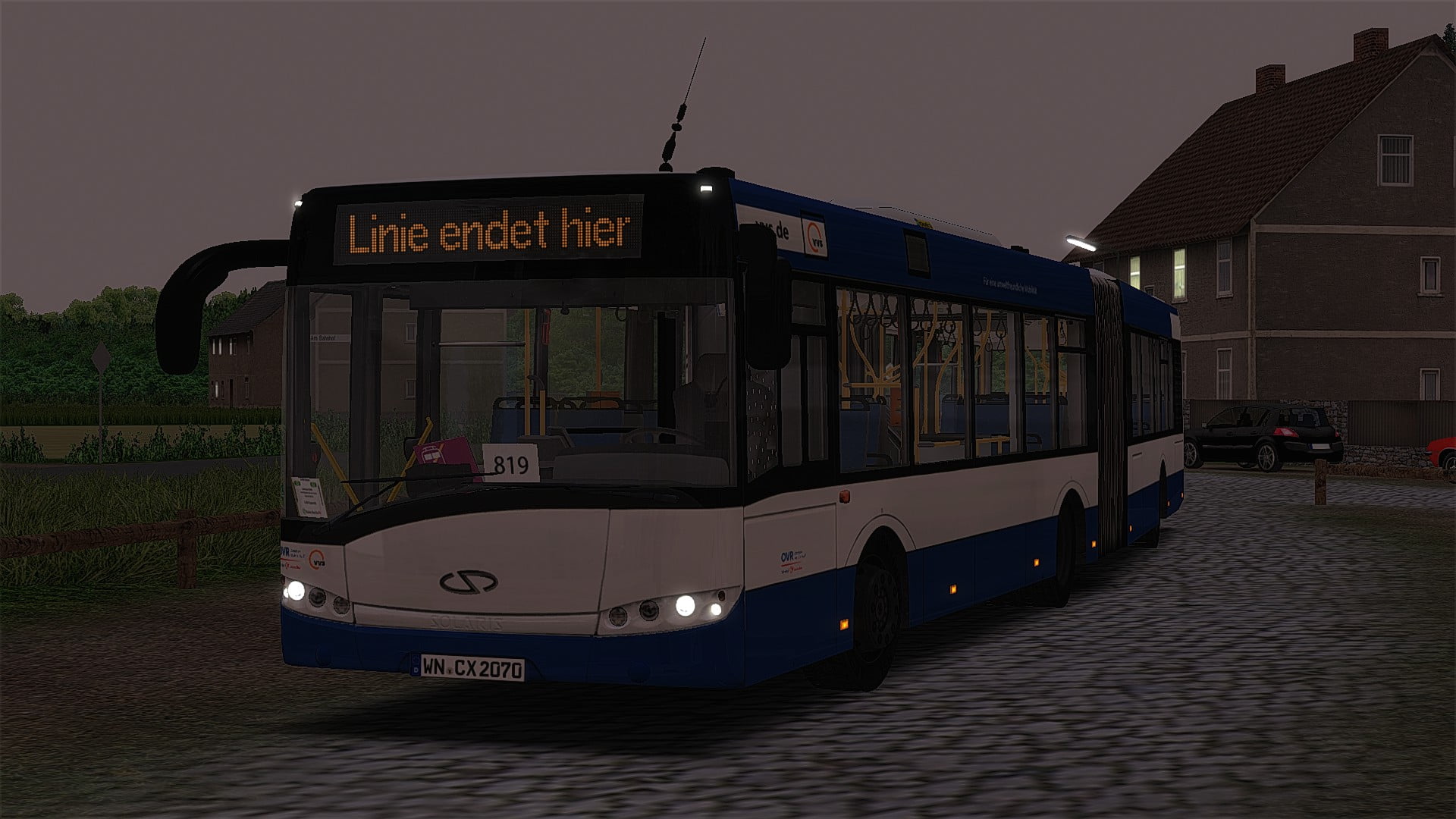
Urbino III BVG (Alterr)
OVR Wagen 0751 "WN-CX 2070"
Repaint für den Wagen 0751 der OVR (seit 31.08.2023 bei WBG Württembergische Busgesellschaft - Kirchheim)
158 Downloads
1 Versionen
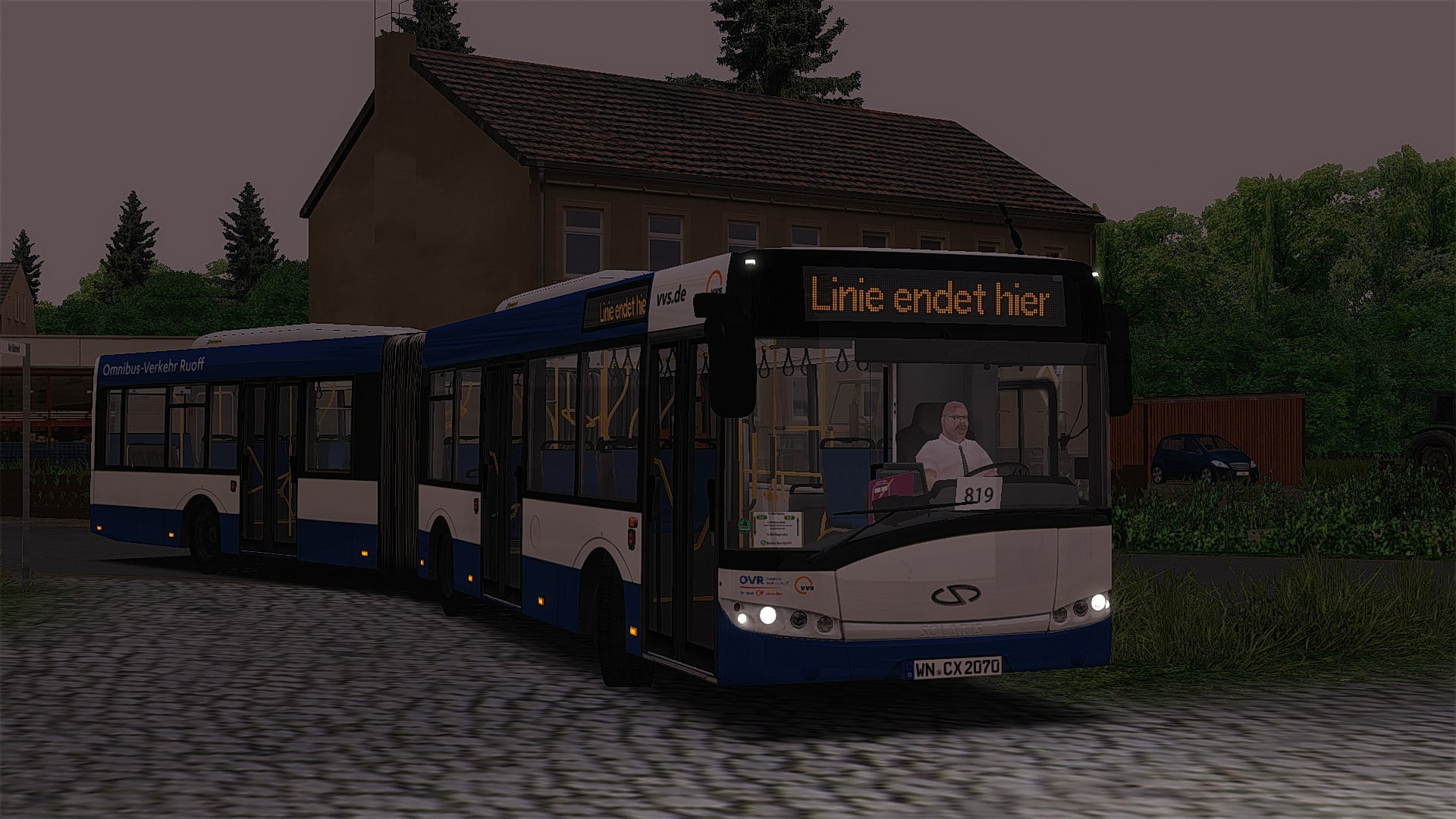
<h2><strong>OVR Wg. 0751</strong></h2>
<p><br>Dieser Wagen war bis zum 30.08.2023 bei dem <span style="font-size: 10pt;">OVR</span> im Einsatzgebiet Waiblingen, ist jedoch seit dem 31.08.2023 bei der <span style="font-size: 10pt;">Württembergischen Busgesellschaft (kurz WBG) .</span></p><p><span style="font-size: 10pt;"><br></span></p><p><span style="font-size: 10pt;"><span style="font-size: 12pt;">Dieses Repaint basiert noch auf dem Stand vor der Versetzung zur WBG!</span></span></p><p><span style="font-size: 12pt;"><br></span></p><p><span style="font-family:'Lucida Sans Unicode', 'Lucida Grande', sans-serif;"><span style="font-size: 14pt;">Installation</span></span><span style="font-size: 16px;"><span style="font-family:'Lucida Sans Unicode', 'Lucida Grande', sans-serif;"></span></span></p><p><span style="font-size: 16px;">Den "Vehicles" Ordner einfach in das OMSI-Hauptverzeichnis reinziehen. Fertig<img src="https://reboot.omsi-webdisk.de/net/images/smilies/smiley118.png" alt=":thumbup:" class="smiley" srcset="https://reboot.omsi-webdisk.de/net/images/smilies/smiley118@2x.png 2x" height="23"></span></p><p><span style="font-size: 16px;"><br></span></p><p><span style="font-size: 16px;"><br></span></p><p><span style="font-size: 16px;"><strong>Ich wünsche eine gute Fahrt!<img src="https://reboot.omsi-webdisk.de/net/images/smilies/huhu.gif" alt=":hi:" class="smiley" height="30"></strong></span></p>
<p><br>Dieser Wagen war bis zum 30.08.2023 bei dem <span style="font-size: 10pt;">OVR</span> im Einsatzgebiet Waiblingen, ist jedoch seit dem 31.08.2023 bei der <span style="font-size: 10pt;">Württembergischen Busgesellschaft (kurz WBG) .</span></p><p><span style="font-size: 10pt;"><br></span></p><p><span style="font-size: 10pt;"><span style="font-size: 12pt;">Dieses Repaint basiert noch auf dem Stand vor der Versetzung zur WBG!</span></span></p><p><span style="font-size: 12pt;"><br></span></p><p><span style="font-family:'Lucida Sans Unicode', 'Lucida Grande', sans-serif;"><span style="font-size: 14pt;">Installation</span></span><span style="font-size: 16px;"><span style="font-family:'Lucida Sans Unicode', 'Lucida Grande', sans-serif;"></span></span></p><p><span style="font-size: 16px;">Den "Vehicles" Ordner einfach in das OMSI-Hauptverzeichnis reinziehen. Fertig<img src="https://reboot.omsi-webdisk.de/net/images/smilies/smiley118.png" alt=":thumbup:" class="smiley" srcset="https://reboot.omsi-webdisk.de/net/images/smilies/smiley118@2x.png 2x" height="23"></span></p><p><span style="font-size: 16px;"><br></span></p><p><span style="font-size: 16px;"><br></span></p><p><span style="font-size: 16px;"><strong>Ich wünsche eine gute Fahrt!<img src="https://reboot.omsi-webdisk.de/net/images/smilies/huhu.gif" alt=":hi:" class="smiley" height="30"></strong></span></p>
Bilder