Setra
Faremaster Bootlogo Replacement - S41x LE Business Series Add-On
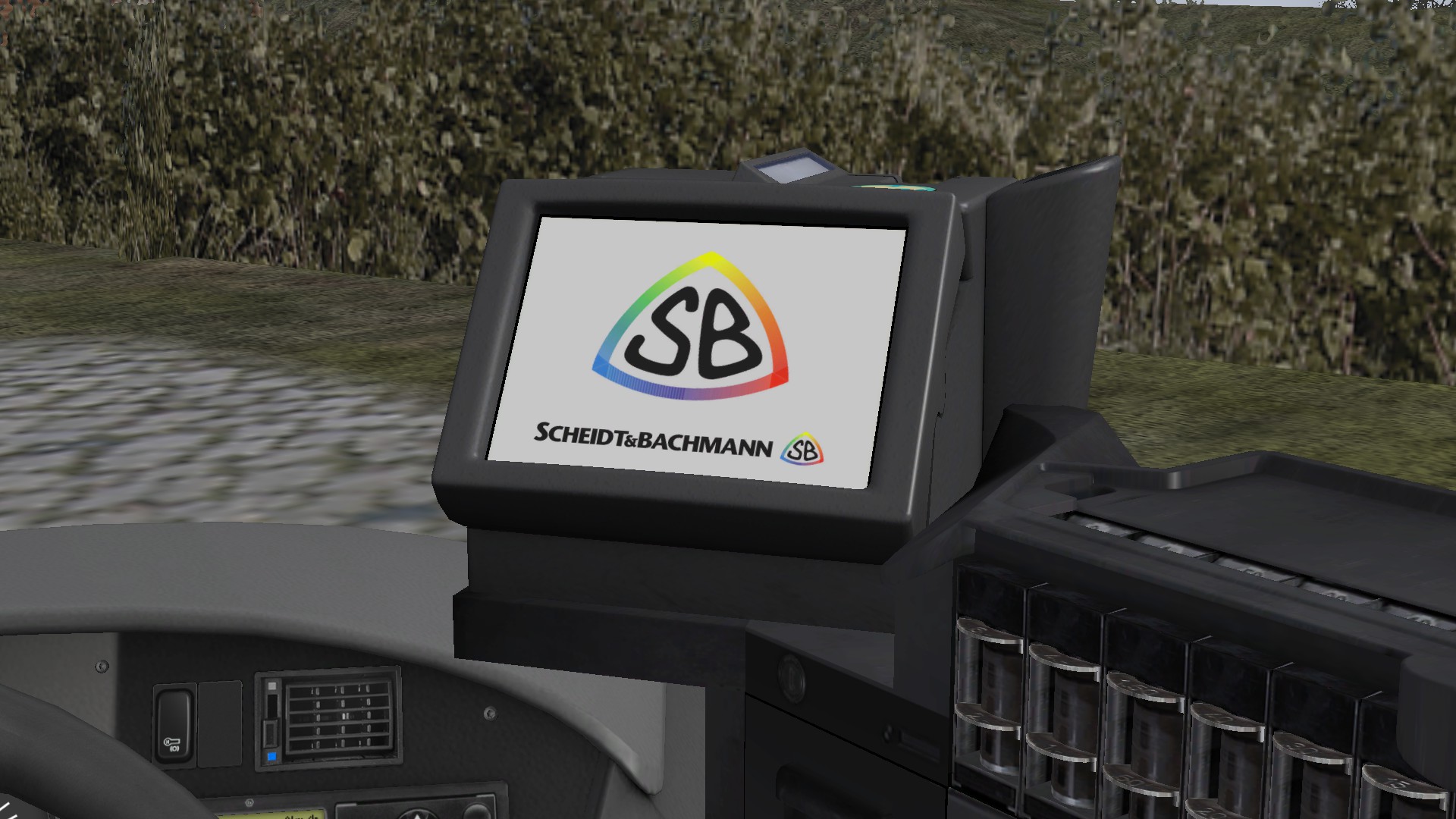
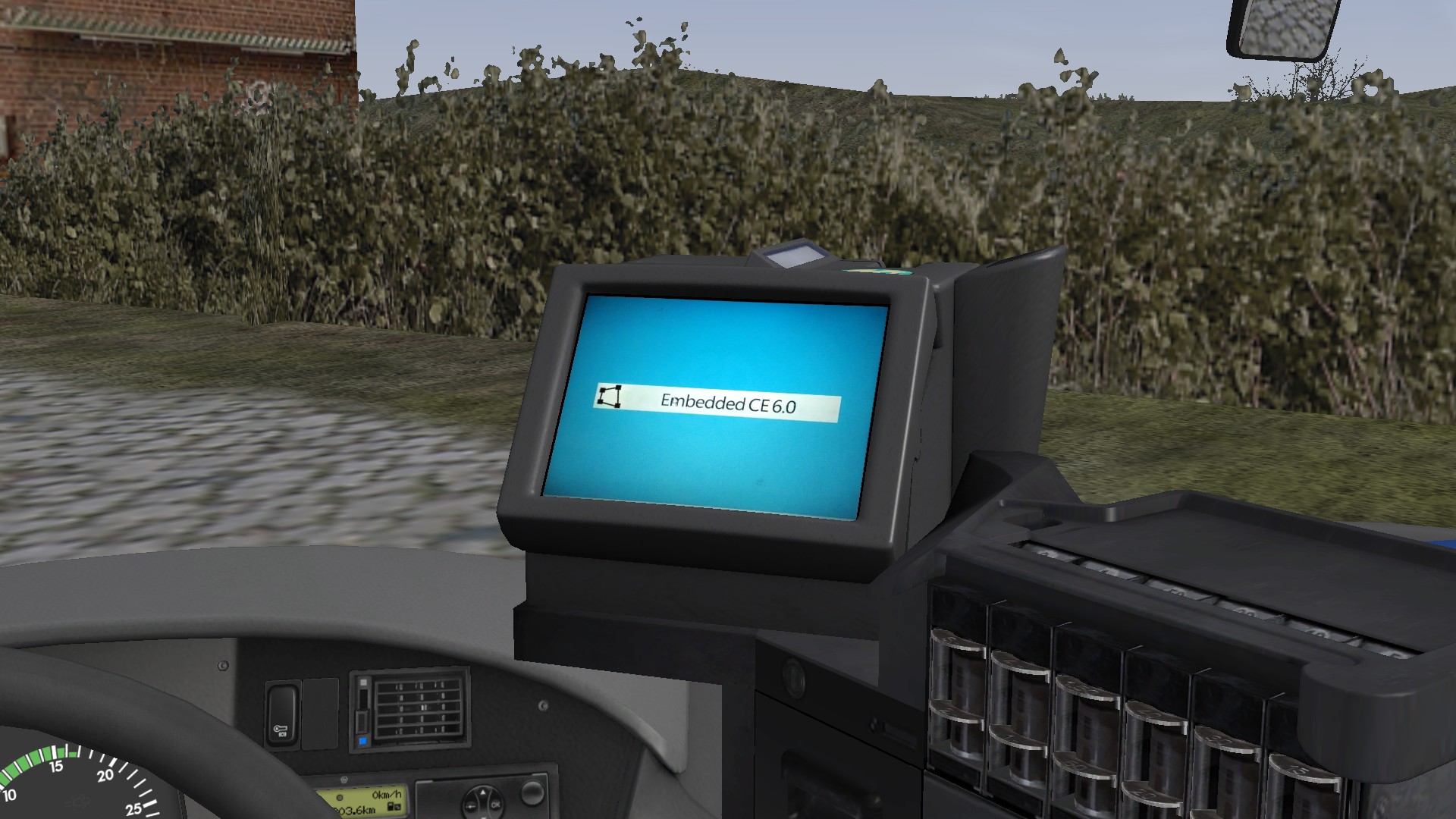
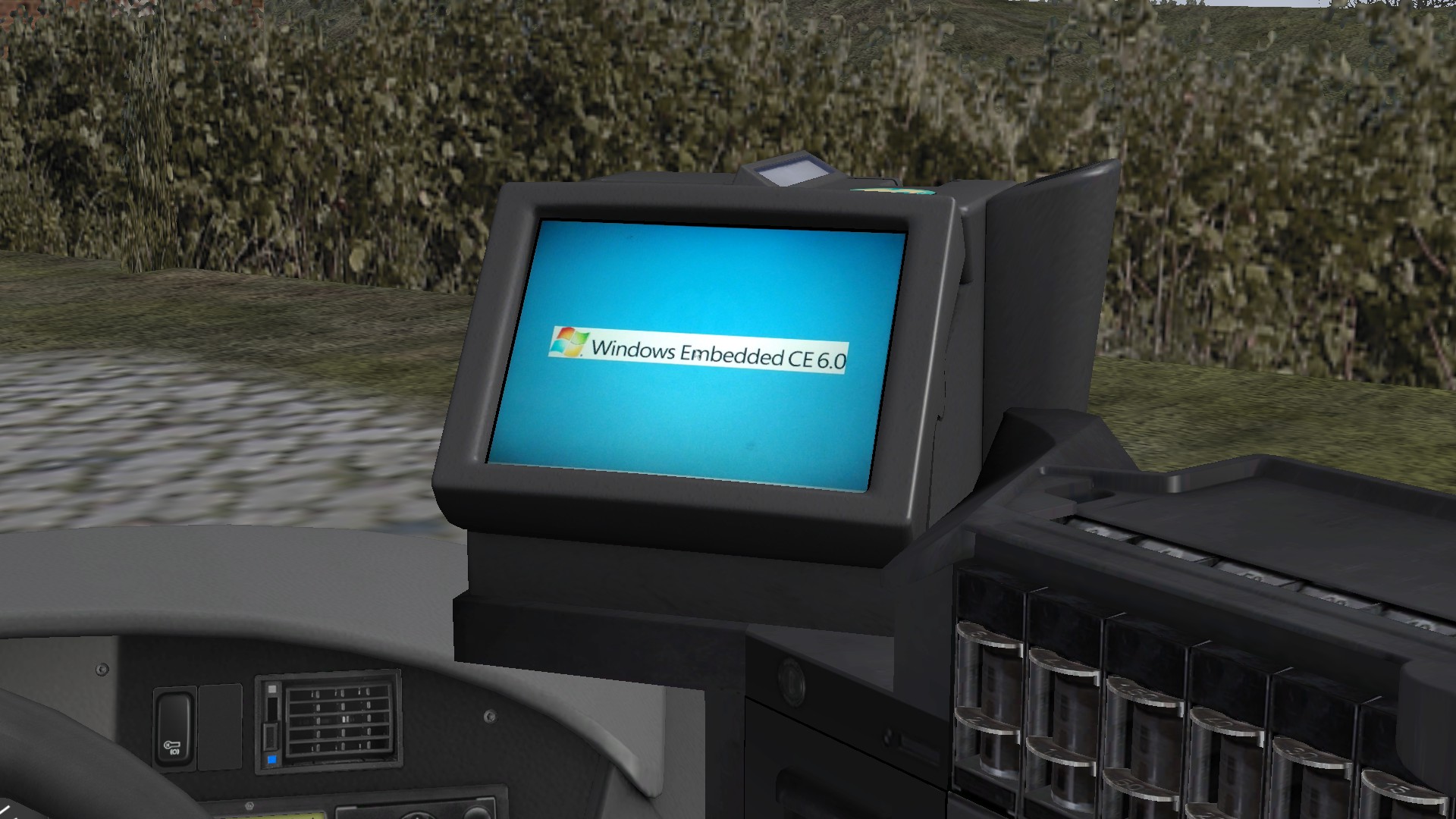
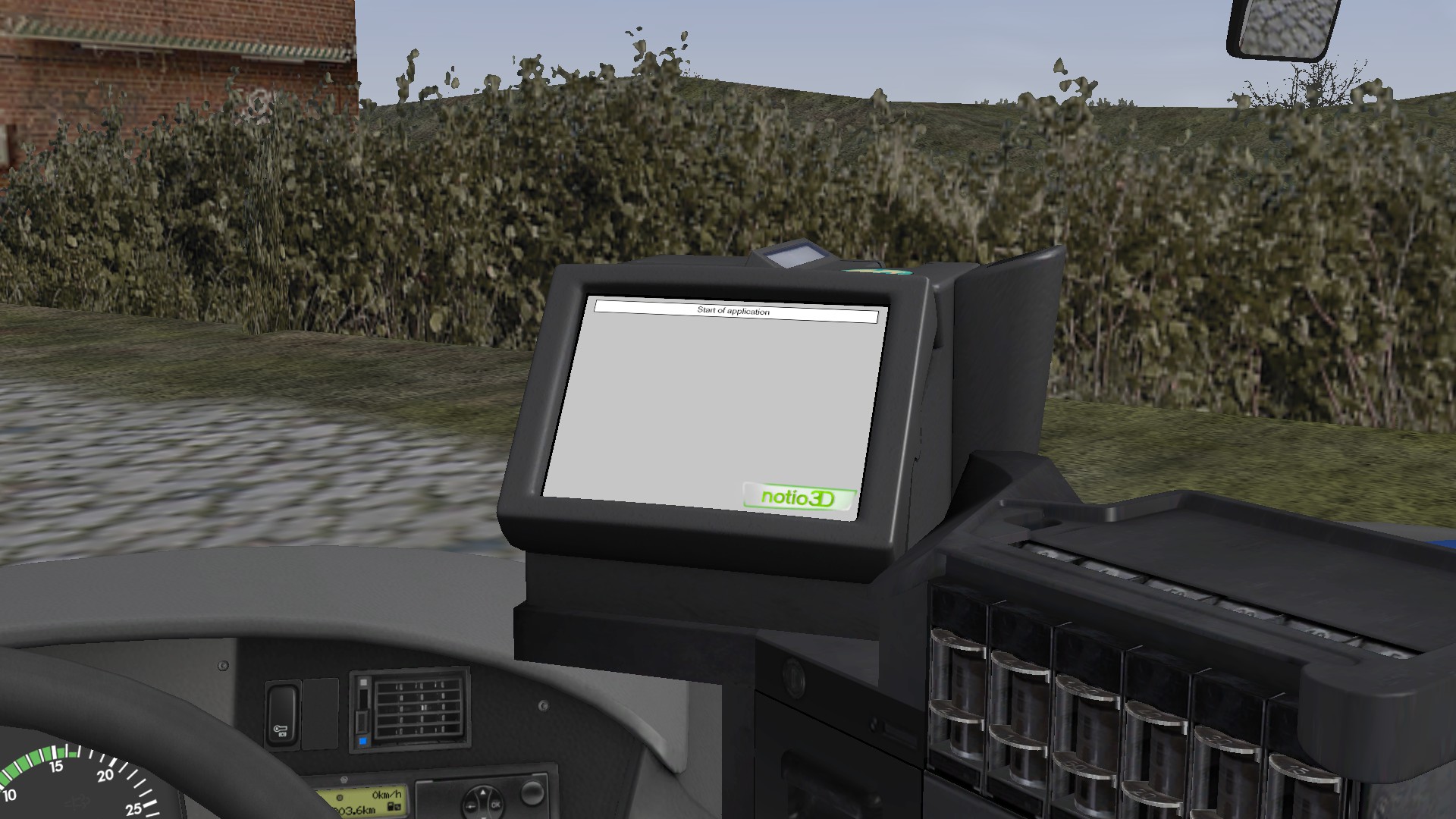
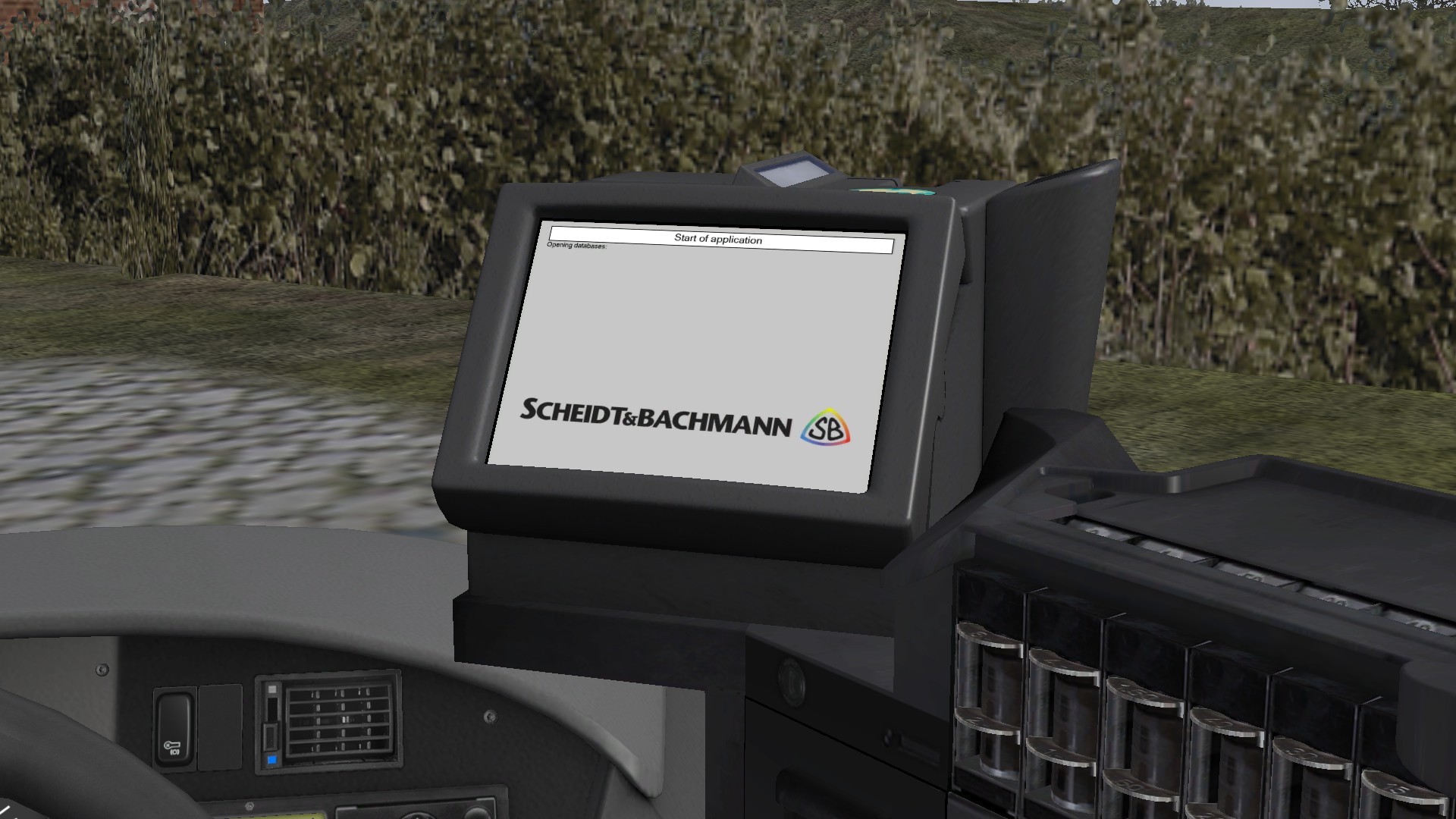
Ersetzt die ursprünglichen Bootlogos des Faremasters durch realistische Scheidt & Bachmann und Windows Embedded CE 6.0 Logos. // Replaces the previous Faremaster boot logos with realistic Scheidt & Bachmann and Windows Embedded CE 6.0 logos.
172 Downloads
1 Versionen
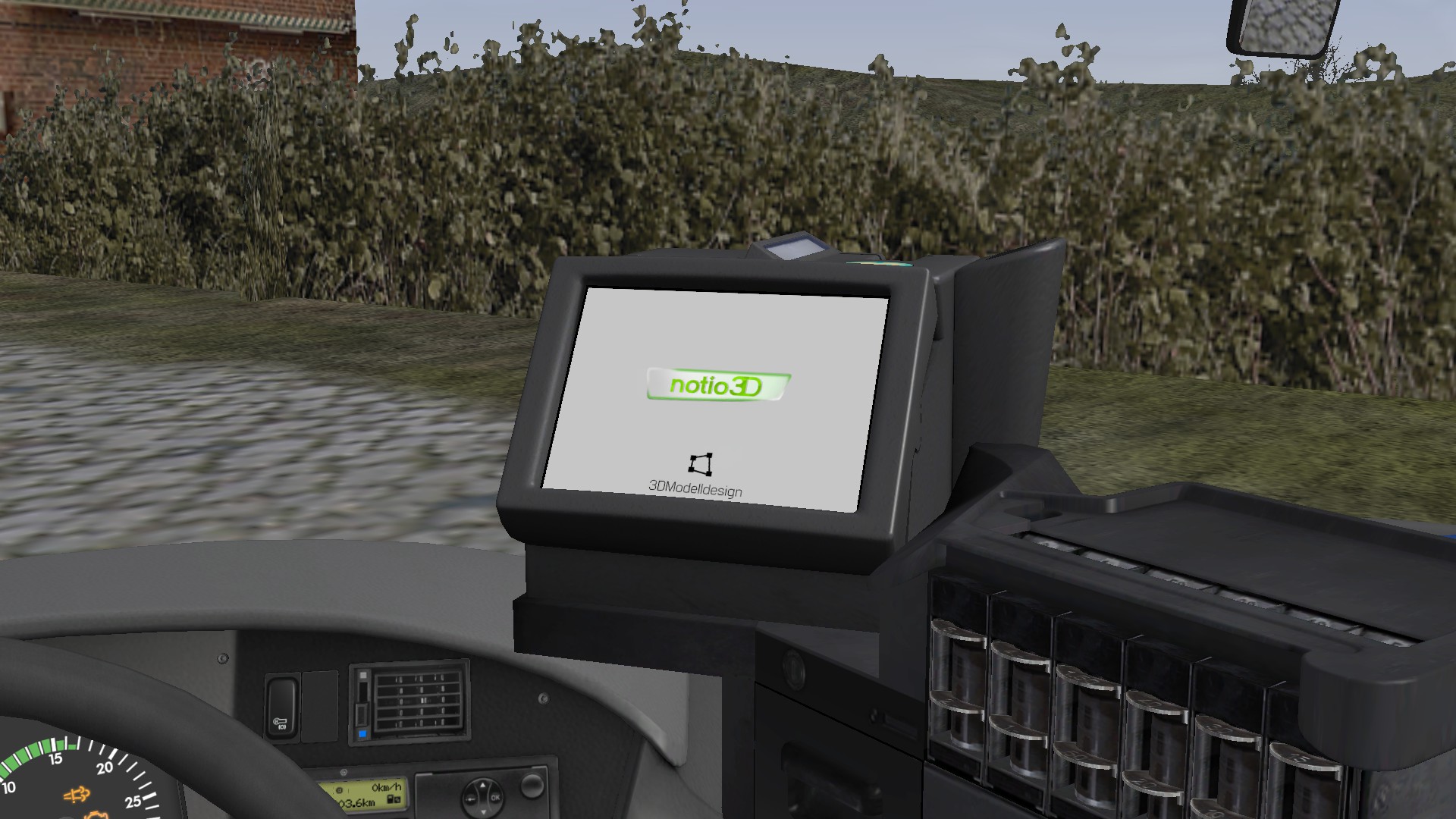
<p><strong><span style="color:#000000;"><span style="font-size: 12pt;">🇩🇪 </span></span></strong><strong><span style="color:#000000;"><span style="font-size: 12pt;">:</span></span></strong> Mit dieser kleinen Modifikation werden die notio3D und 3DModelldesign Logos auf den Texturen des Faremasters im <a href="https://store.steampowered.com/app/2671120/OMSI_2_AddOn_S41X_LE_Business_Series/">S41x LE Business Series Add-On</a> während des Bootvorgangs durch die realistischeren Scheidt & Bachmann Logos ersetzt. Zusätzlich wird die bisher ohne Markenbezeichnung dargestellte „Embedded CE 6.0“-Textur durch eine „Windows Embedded CE 6.0“-Textur ersetzt.</p><p><br></p><p>Im Anhang befinden sich Bilder, die die Änderungen veranschaulichen und einen Vorher/Nachher Vergleich zeigen.</p><p>Viel Spaß mit dieser Mod und einer kleinen Prise mehr Realismus im Setra!</p><p><br></p><p><strong><strong></strong><strong>Installation:</strong></strong> Die Installation ist ganz einfach: Die ZIP-Datei in das <em>OMSI-Hauptverzeichnis</em> entpacken. Wenn gefragt wird, ob vorhandene Dateien überschrieben werden sollen, dies bestätigen und akzeptieren, da die Änderungen sonst nicht sichtbar sind.</p><p><br></p><p><strong><span style="color:#000000;"><span style="font-size: 12pt;">🇬🇧 :</span></span></strong> This small modification replaces the notio3D and 3DModelldesign logos on the Faremaster boot textures in the <a href="https://store.steampowered.com/app/2671120/OMSI_2_AddOn_S41X_LE_Business_Series/">S41x LE Business Series Add-On</a> with more realistic Scheidt & Bachmann logos. In addition, the previously generic “Embedded CE 6.0” texture is replaced with “Windows Embedded CE 6.0” texture.</p><p><br></p><p>Screenshots are included to demonstrate the changes and show a before and after comparison.</p><p>Enjoy this mod and a small extra touch of realism for the Setra!</p><p><br></p><p><strong>Installation:</strong> Installation is very simple: Extract the ZIP file into your <em>OMSI main directory</em>. When prompted to overwrite files, confirm and allow it, otherwise the changes will not be visible.</p>
Bilder