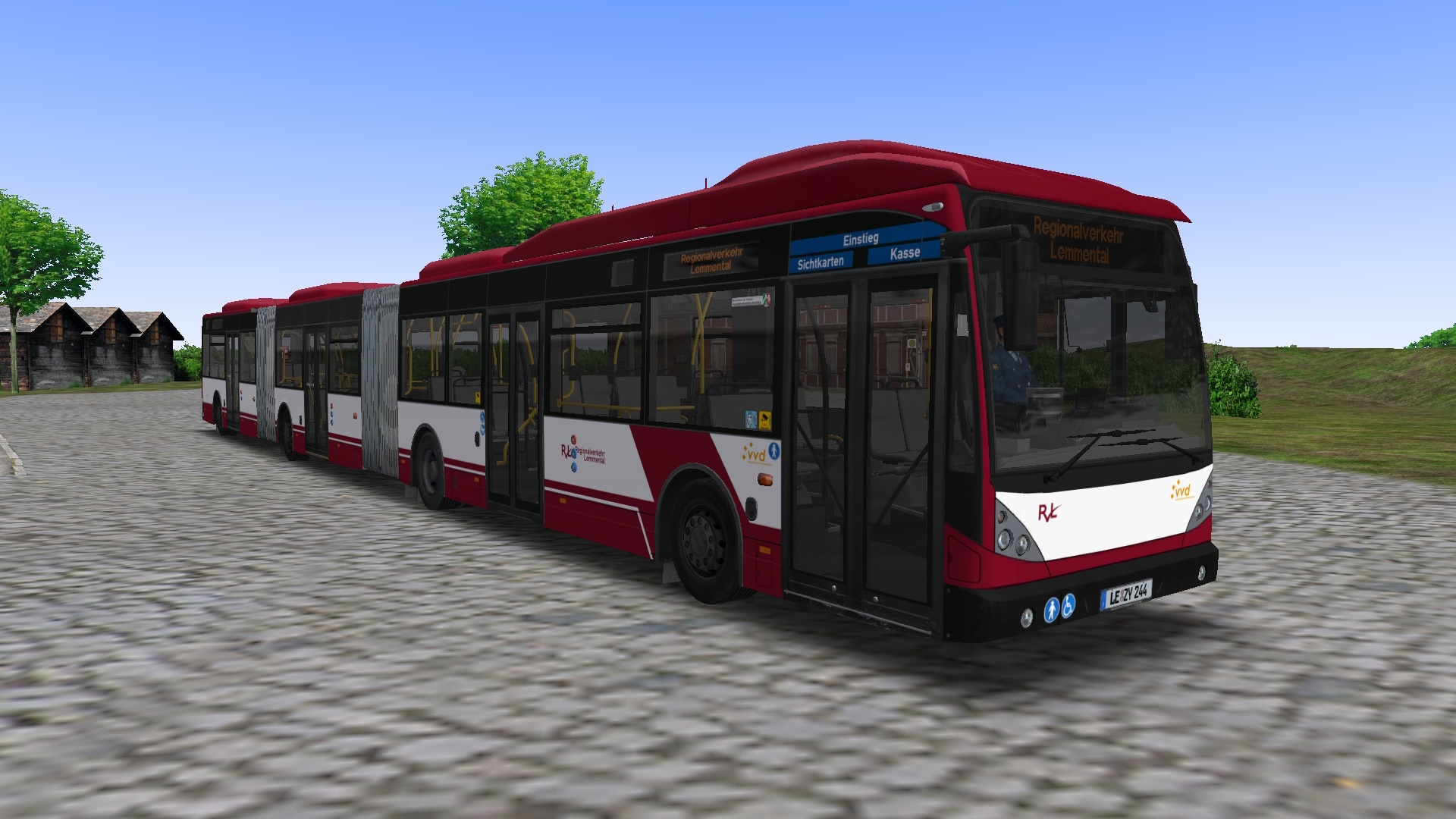
AGG300 (Hamburg, DLC)
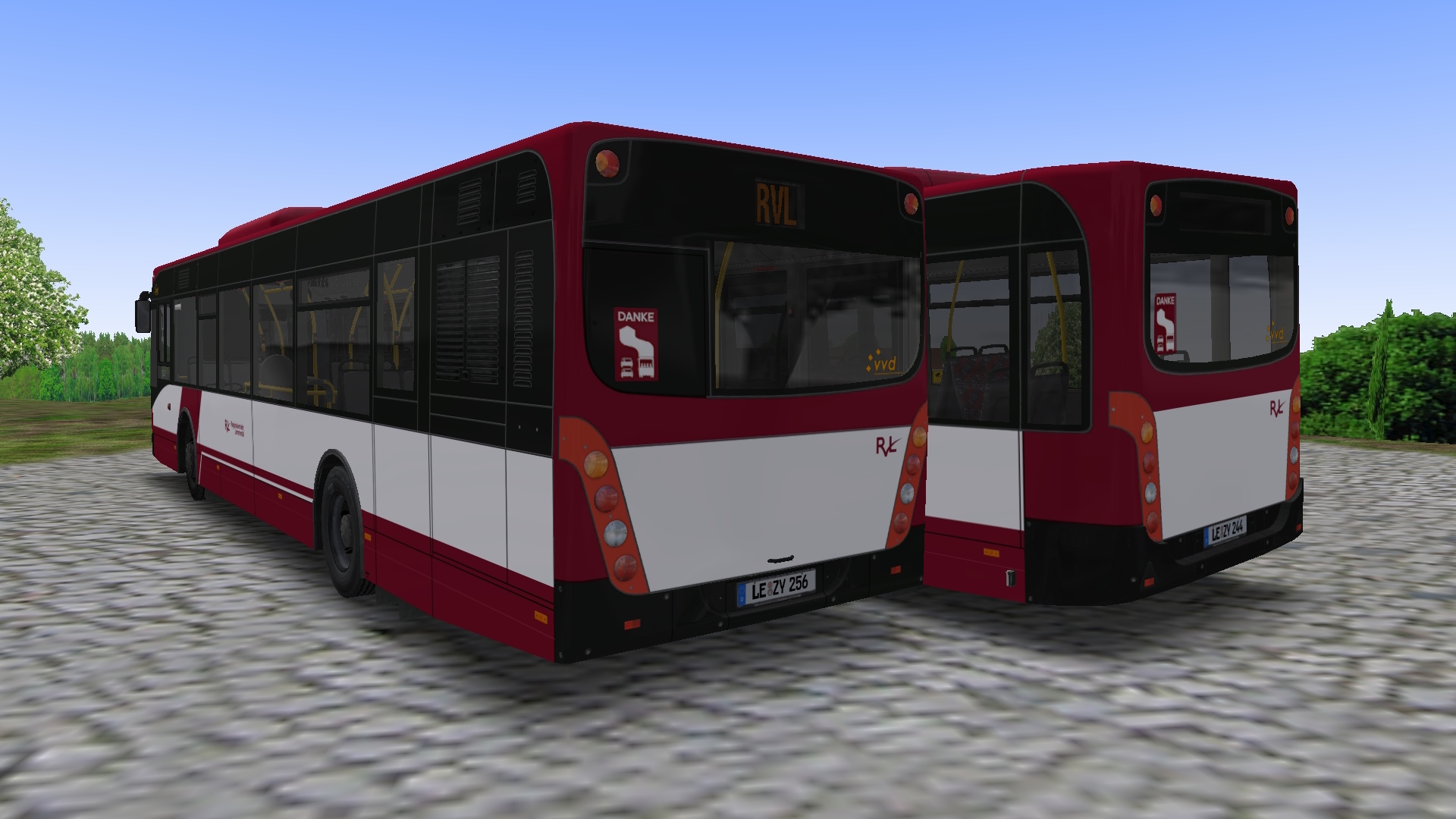
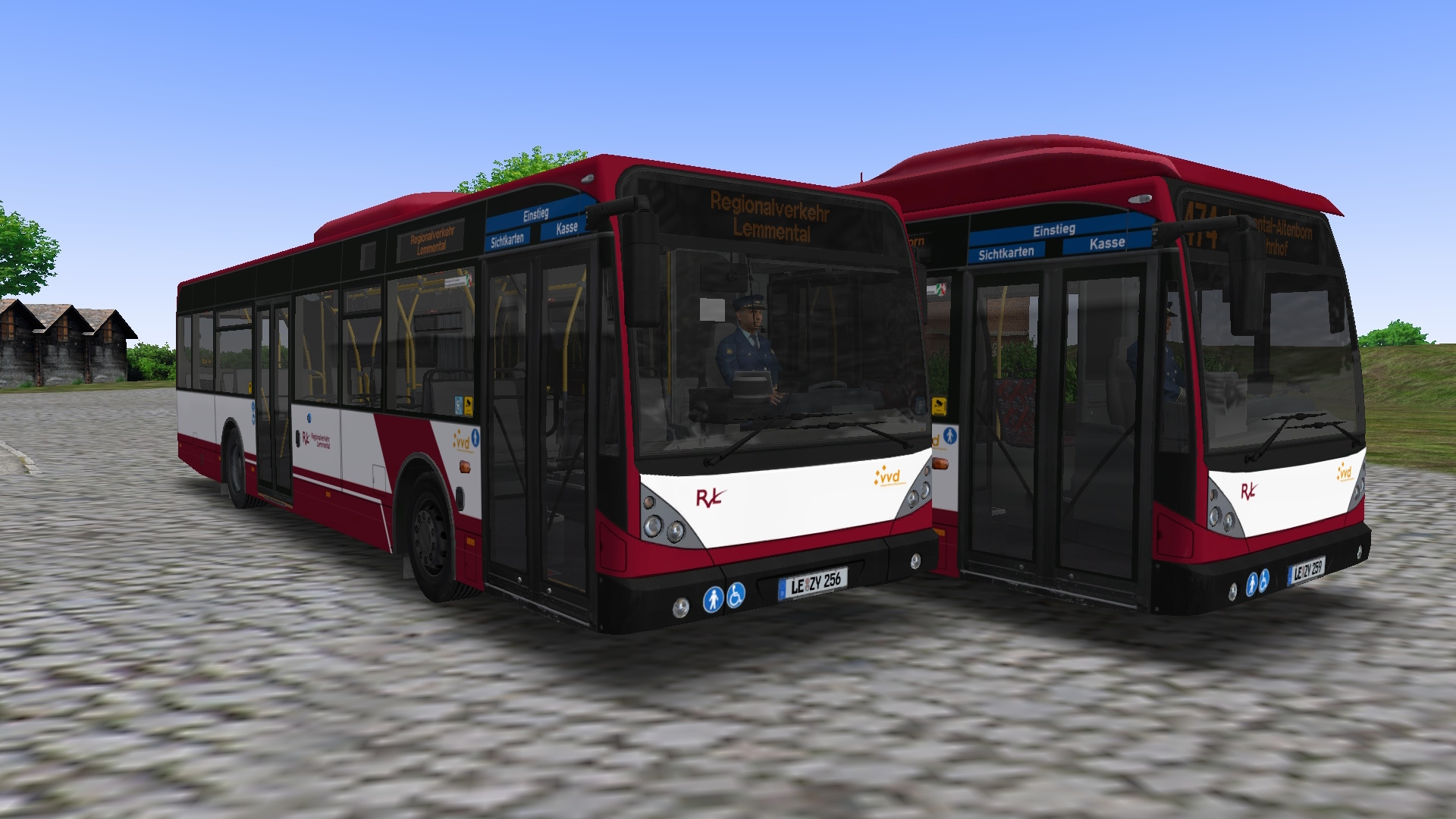
RVL Lemmental-Repaint für Van Hool A330/AG(G)300
[DE] Repaint des Regionalverkehrs Lemmental für den Van Hool A330/AG300/AGG300 [EN] Repaint of Regionalverkehr Lemmental for the Van Hool A330/AG300/AGG300
68 Downloads
1 Versionen
<p><strong>Bus: </strong><a href="https://store.steampowered.com/app/434068/OMSI_2_AddOn_Doppelgelenkbus_AGG_300/">Link (Steam)</a> & <a href="https://reboot.omsi-webdisk.de/file/5522-vanhool-modpaket/">VanHool-Modpaket</a><strong></strong></p><p><strong>Map: </strong><a href="https://reboot.omsi-webdisk.de/file/13995-lemmental-neuenbreid-v4-fiktiv-projekt-2021/">Lemmental-Neuenbreid (V4) (fiktiv) Projekt 2021</a><a href="https://reboot.omsi-webdisk.de/file/14284-update-5-1-ahlheim-v5-karte-und-repaintpack/"></a></p><p><a href="https://reboot.omsi-webdisk.de/file/11331-gerolstein/"></a></p><p><a href="https://reboot.omsi-webdisk.de/file/7558-steinkirchen-v2-1/"></a></p><p><br></p><p><strong>Installation: <br></strong></p><p><woltlab-metacode data-name="flag" data-attributes="WyJkZSJd"></woltlab-metacode><strong><br></strong></p><woltlab-spoiler>
<p>Die Zip-Datei einfach im OMSI-Hauptverzeichnis entpacken</p>
<p><br></p>
<p>Damit die Sitztexturen funktionieren, ist folgende Änderung an den Modeldateien durchzuführen:</p>
1. Öffne die einzelnen Modeldateien für den A330 (Vehicles\HH_Doppelgelenkbus\Model\model_A330_xxx.cfg) und ergänze im Abschnitt "Textur Changes" den Absatz:<pre>[CTCTexture]
farbschema_tex6
int_B_GOVB.jpg</pre>
<p>2. Öffne die einzelnen Modeldateien für den AG300 und AGG300 (Vehicles\HH_Doppelgelenkbus\Model\model_AGx_xxx.cfg) und ergänze im Abschnitt "Textur Changes" den Absatz:</p><pre>[CTCTexture]
farbschema_tex6
int_B.jpg</pre>
</woltlab-spoiler>
<p><woltlab-metacode data-name="flag" data-attributes="WyJnYiJd"></woltlab-metacode><strong><br></strong></p><woltlab-spoiler>
<p>Simply unzip the zip-file into the OMSI main directory.</p>
<p><br></p>
<p>In ordner for the seat textures to work, the following change must be made to the model files:</p>
<p>1. Open the individual model files for the A330 (Vehicles\HH_Doppelgelenkbus\Model\model_A330_xxx.cfg) and in the section "Textur Changes" add the paragraph:</p><pre>[CTCTexture]
farbschema_tex6
int_B_GOVB.jpg</pre>
<p>2. Open the individual model files for the AG300 and AGG300 (Vehicles\HH_Doppelgelenkbus\Model\model_AGx_xxx.cfg) and in the section "Textur Changes" add the paragraph:</p>
<pre>[CTCTexture]
farbschema_tex6
int_B.jpg</pre>
</woltlab-spoiler>
<p>Viel Spaß! Have fun!</p>
<p>Die Zip-Datei einfach im OMSI-Hauptverzeichnis entpacken</p>
<p><br></p>
<p>Damit die Sitztexturen funktionieren, ist folgende Änderung an den Modeldateien durchzuführen:</p>
1. Öffne die einzelnen Modeldateien für den A330 (Vehicles\HH_Doppelgelenkbus\Model\model_A330_xxx.cfg) und ergänze im Abschnitt "Textur Changes" den Absatz:<pre>[CTCTexture]
farbschema_tex6
int_B_GOVB.jpg</pre>
<p>2. Öffne die einzelnen Modeldateien für den AG300 und AGG300 (Vehicles\HH_Doppelgelenkbus\Model\model_AGx_xxx.cfg) und ergänze im Abschnitt "Textur Changes" den Absatz:</p><pre>[CTCTexture]
farbschema_tex6
int_B.jpg</pre>
</woltlab-spoiler>
<p><woltlab-metacode data-name="flag" data-attributes="WyJnYiJd"></woltlab-metacode><strong><br></strong></p><woltlab-spoiler>
<p>Simply unzip the zip-file into the OMSI main directory.</p>
<p><br></p>
<p>In ordner for the seat textures to work, the following change must be made to the model files:</p>
<p>1. Open the individual model files for the A330 (Vehicles\HH_Doppelgelenkbus\Model\model_A330_xxx.cfg) and in the section "Textur Changes" add the paragraph:</p><pre>[CTCTexture]
farbschema_tex6
int_B_GOVB.jpg</pre>
<p>2. Open the individual model files for the AG300 and AGG300 (Vehicles\HH_Doppelgelenkbus\Model\model_AGx_xxx.cfg) and in the section "Textur Changes" add the paragraph:</p>
<pre>[CTCTexture]
farbschema_tex6
int_B.jpg</pre>
</woltlab-spoiler>
<p>Viel Spaß! Have fun!</p>
Bilder