Sonstige
MB O530 Facelift MÜ | ALU - SLZ & DB Rheinlandbus-Repaint
MB O530 Facelift MÜ | ALU - SLZ & DB Rheinlandbus-Repaint
218 Downloads
1 Versionen
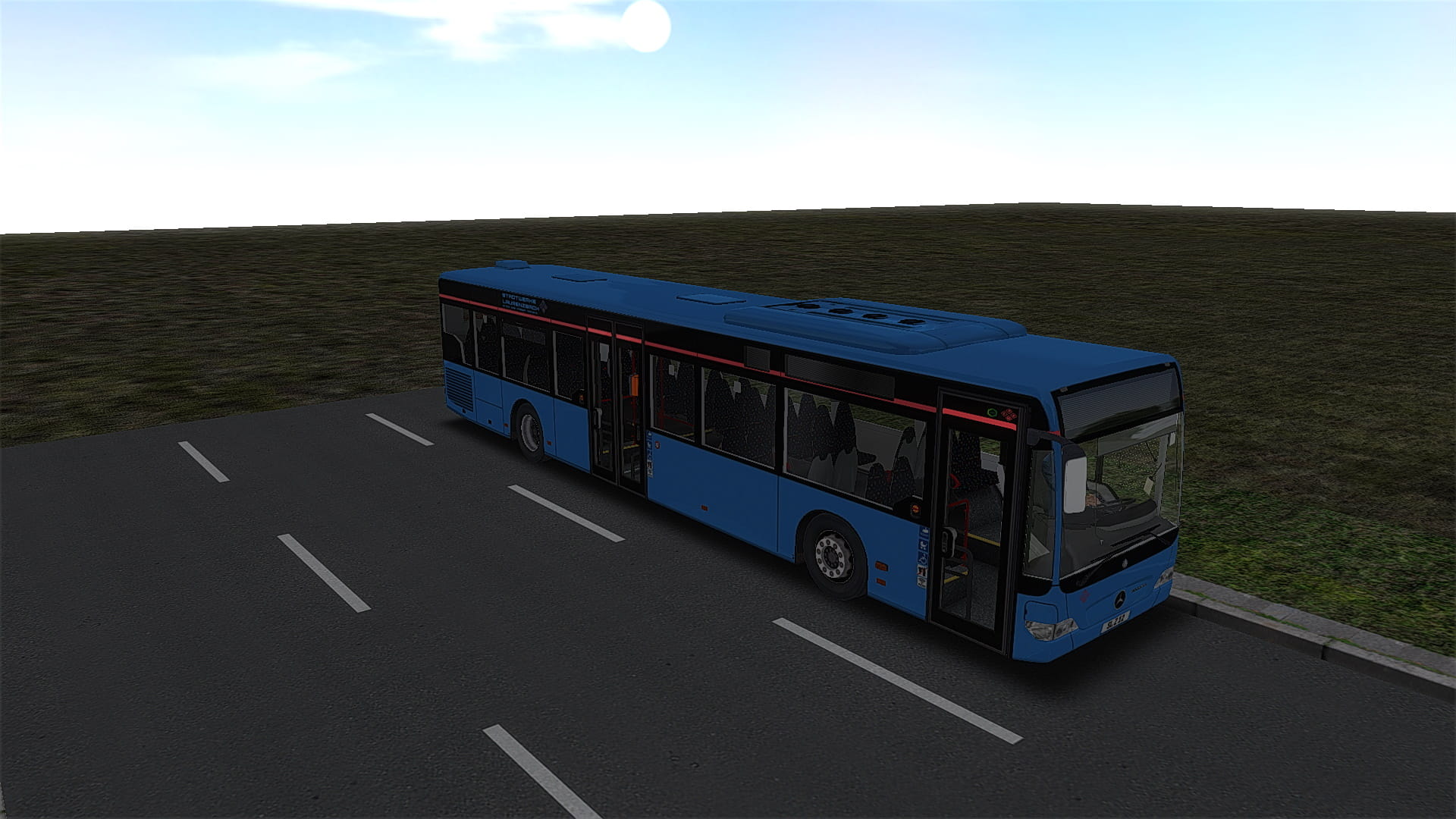
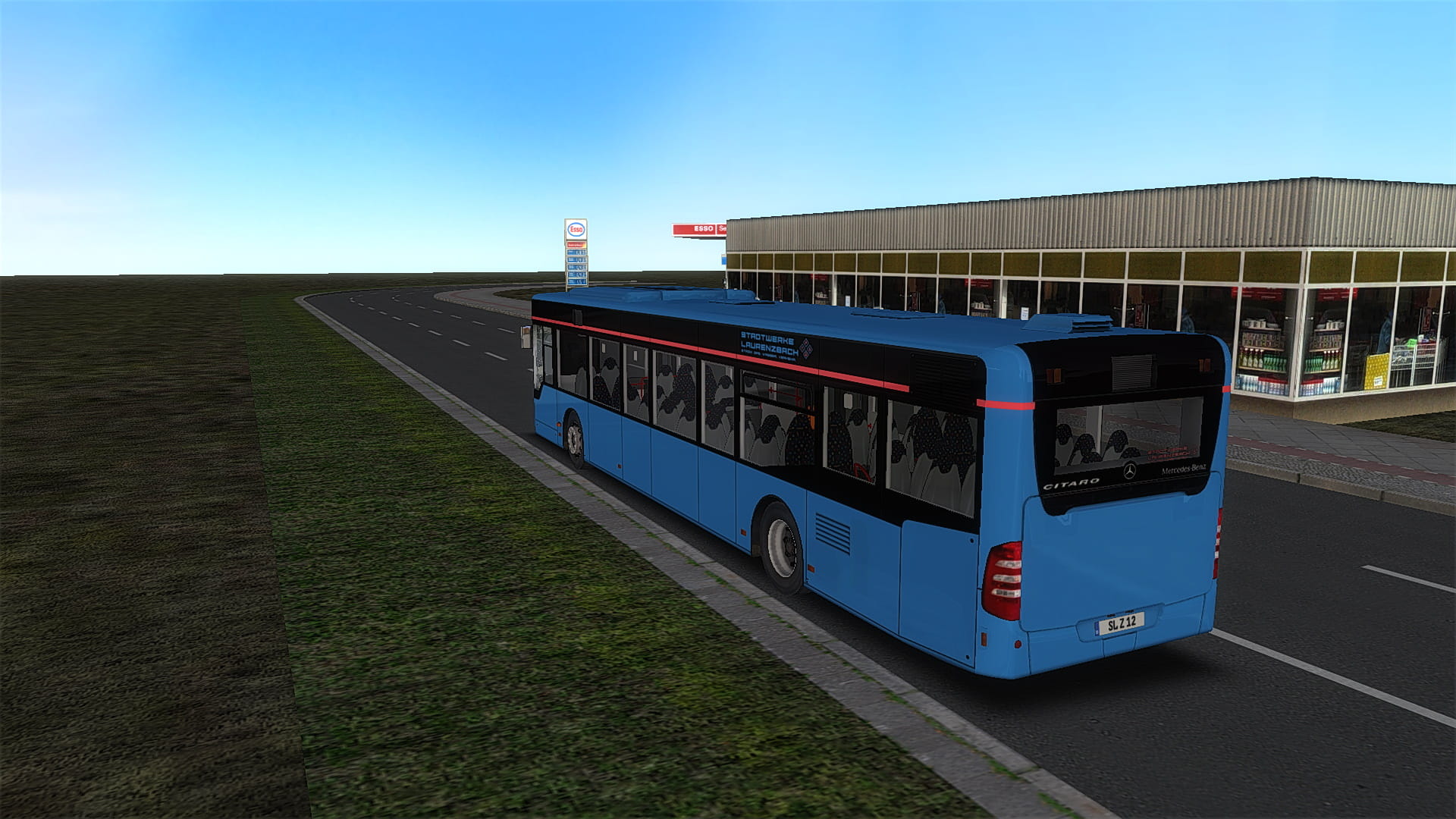
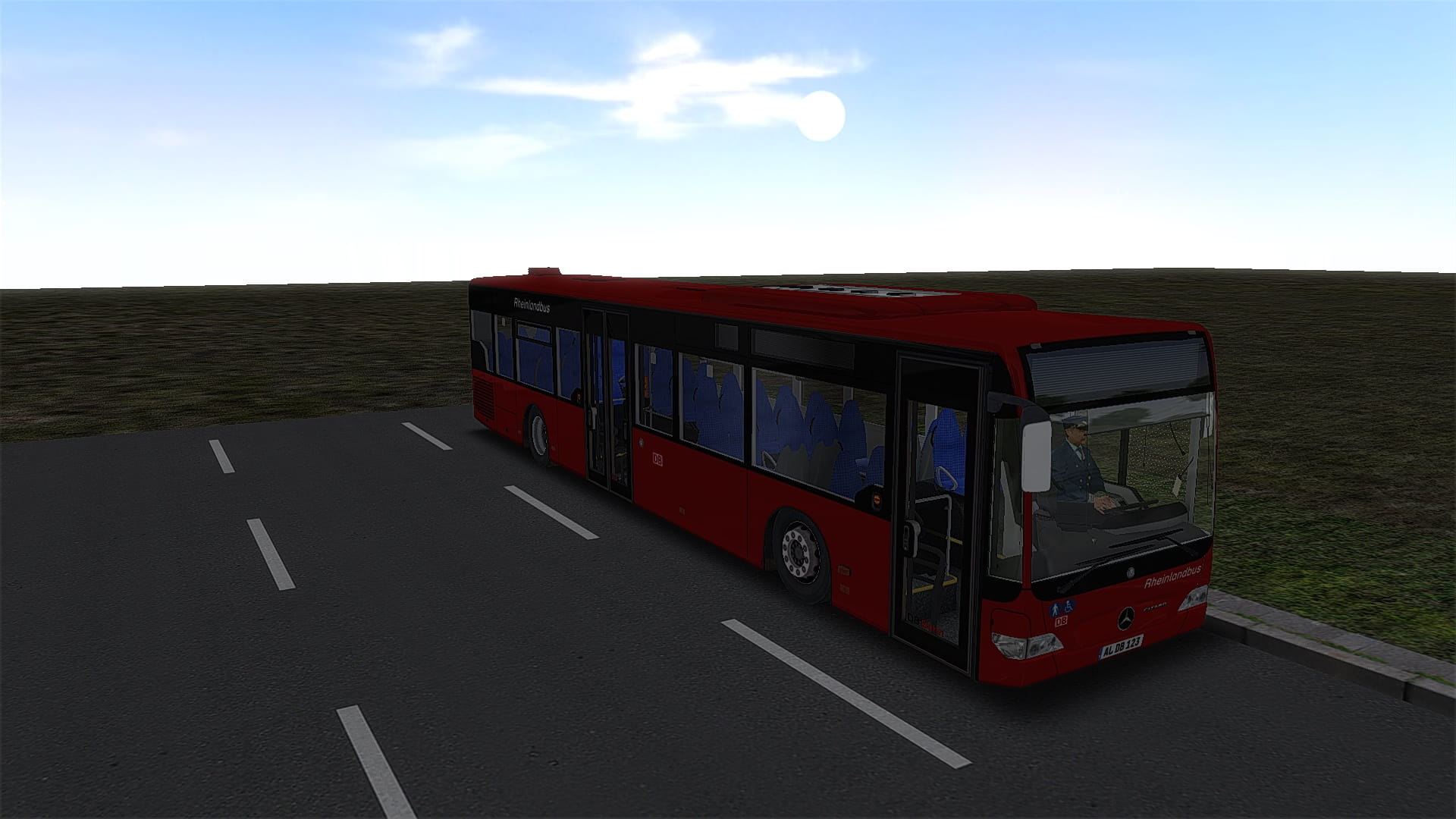
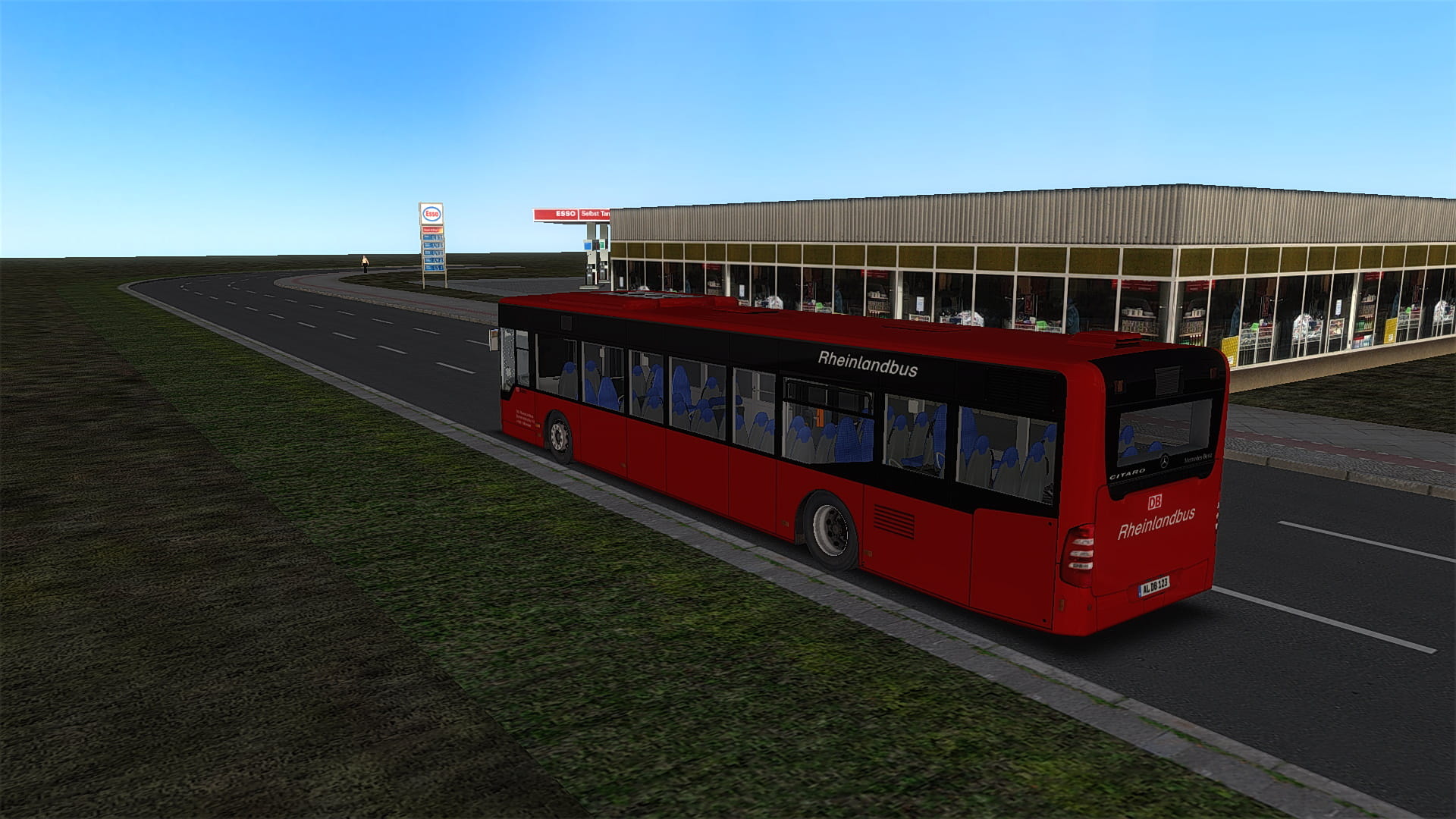
<woltlab-spoiler data-label="Beschreibung Deutsch"><p>MB O530 Facelift MÜ | ALU - SLZ & DB-Rheinlandbus-Repaint. Bitte beachtet nicht den Steifen rechts vorne und dass die Sitztexturen des SLZ-Repaints nicht die der SLZ sind nicht. Kennzeichen muss bei Busauswahl selbst geändert werden, sonst stünde da nicht das was man bei meinen Screenshots sieht! DB Rheinlandbus-Repaint ist fiktiv!</p><p><br></p><p>Installation</p><p>Einfach den Ordner <kbd>Vehicles</kbd> in das OMSI-Hauptverzeichnis kopieren. Fertig.</p></woltlab-spoiler>
<woltlab-spoiler data-label="Description English"><p>MB O530 Facelift MÜ | ALU - SLZ & DB Rheinlandbus repaint. Please note not the stiffener right front and that the seat textures of the SLZ repaint are not the SLZ ones. License plate must be changed at bus selection itself, otherwise there would not be what you see in my screenshots! DB Rheinlandbus-Repaint is fictional!</p>
<p><br></p>
<p>Installation</p>
<p>Just copy the folder <kbd>Vehicles</kbd> into the OMSI main directory. Done.</p></woltlab-spoiler>
<p><woltlab-metacode data-name="attach" data-attributes="WyI2OTkxMyIsIm5vbmUiLCJmYWxzZSJd"></woltlab-metacode></p><p><woltlab-metacode data-name="attach" data-attributes="WyI2OTkxNCIsIm5vbmUiLCJmYWxzZSJd"></woltlab-metacode></p><p><woltlab-metacode data-name="attach" data-attributes="WyI2OTg5NiIsIm5vbmUiLCJmYWxzZSJd"></woltlab-metacode></p><p><woltlab-metacode data-name="attach" data-attributes="WyI2OTg5NyIsIm5vbmUiLCJmYWxzZSJd"></woltlab-metacode></p>
<woltlab-spoiler data-label="Description English"><p>MB O530 Facelift MÜ | ALU - SLZ & DB Rheinlandbus repaint. Please note not the stiffener right front and that the seat textures of the SLZ repaint are not the SLZ ones. License plate must be changed at bus selection itself, otherwise there would not be what you see in my screenshots! DB Rheinlandbus-Repaint is fictional!</p>
<p><br></p>
<p>Installation</p>
<p>Just copy the folder <kbd>Vehicles</kbd> into the OMSI main directory. Done.</p></woltlab-spoiler>
<p><woltlab-metacode data-name="attach" data-attributes="WyI2OTkxMyIsIm5vbmUiLCJmYWxzZSJd"></woltlab-metacode></p><p><woltlab-metacode data-name="attach" data-attributes="WyI2OTkxNCIsIm5vbmUiLCJmYWxzZSJd"></woltlab-metacode></p><p><woltlab-metacode data-name="attach" data-attributes="WyI2OTg5NiIsIm5vbmUiLCJmYWxzZSJd"></woltlab-metacode></p><p><woltlab-metacode data-name="attach" data-attributes="WyI2OTg5NyIsIm5vbmUiLCJmYWxzZSJd"></woltlab-metacode></p>
Bilder